2025
HANDYLINK
MARKETPLACE
01
What is HandyLink?
02
Who is the Client?
03
The Problem
04
The Solution
1
Trusted Connection:
HandyLink verifies every service provider to ensure customers hire only skilled and reliable professionals, fostering trust and safety on the platform.
2
Simplified Booking Experience:
Customers can easily search, filter, and book the right handyman in minutes — removing the stress of finding help for home repairs or improvements.
3
Smart Management Tools for Handymen:
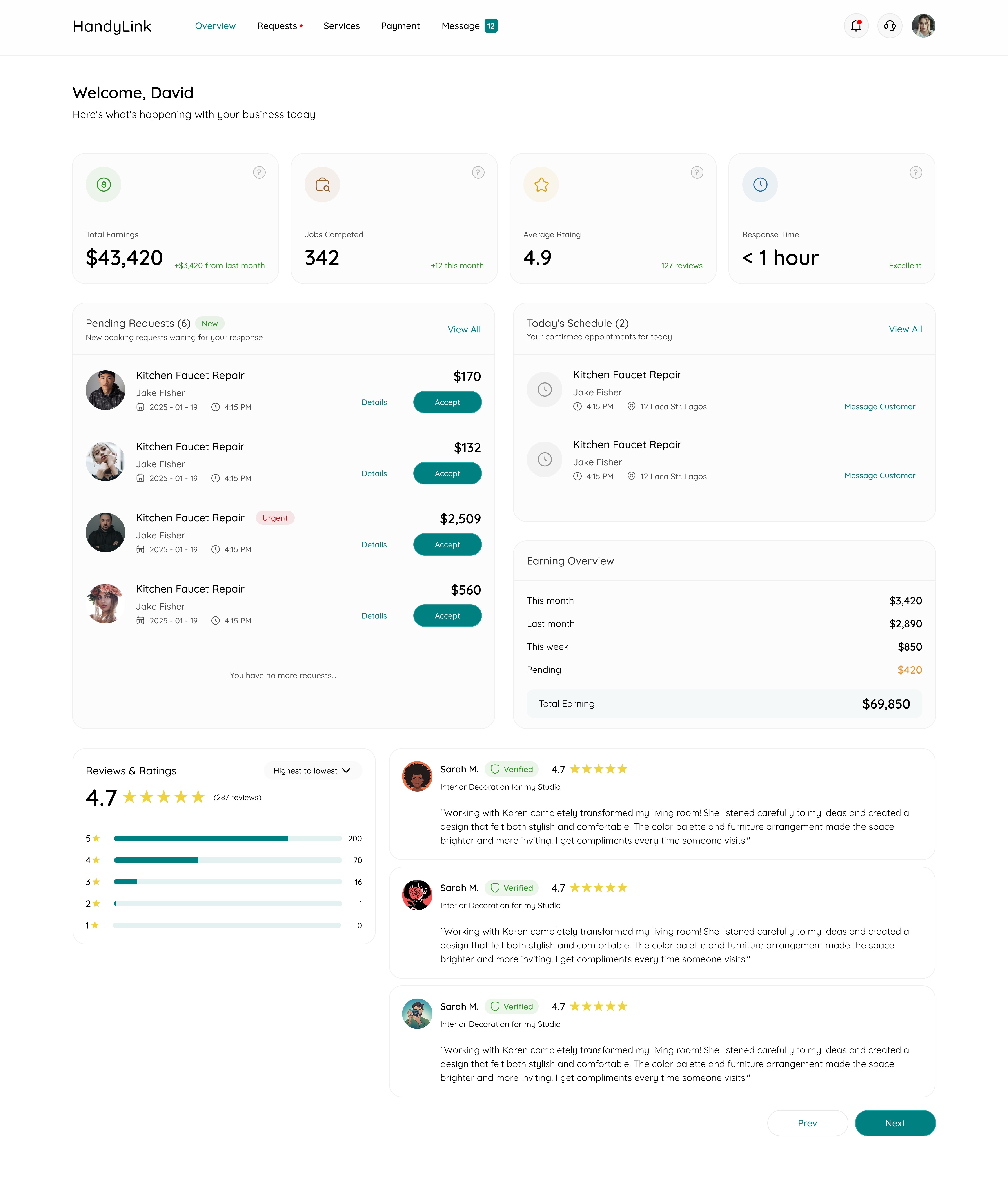
Handymen get an all-in-one dashboard to manage jobs, accept or decline bookings, track earnings, and grow their visibility online.
4
Seamless Communication & Payment:
In-app chat and secure payment options make it easy for both parties to communicate, confirm details, and complete transactions without friction.
05
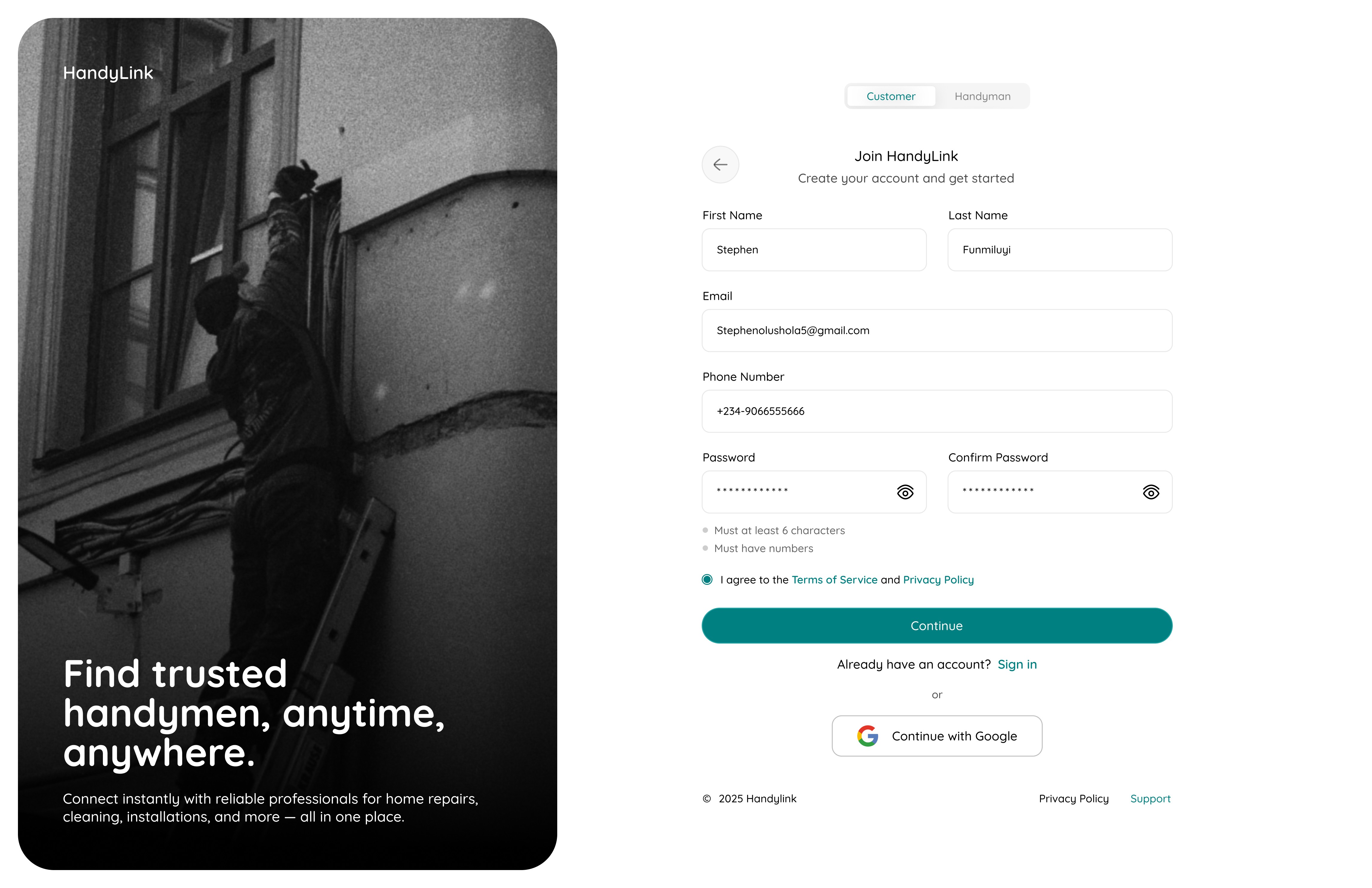
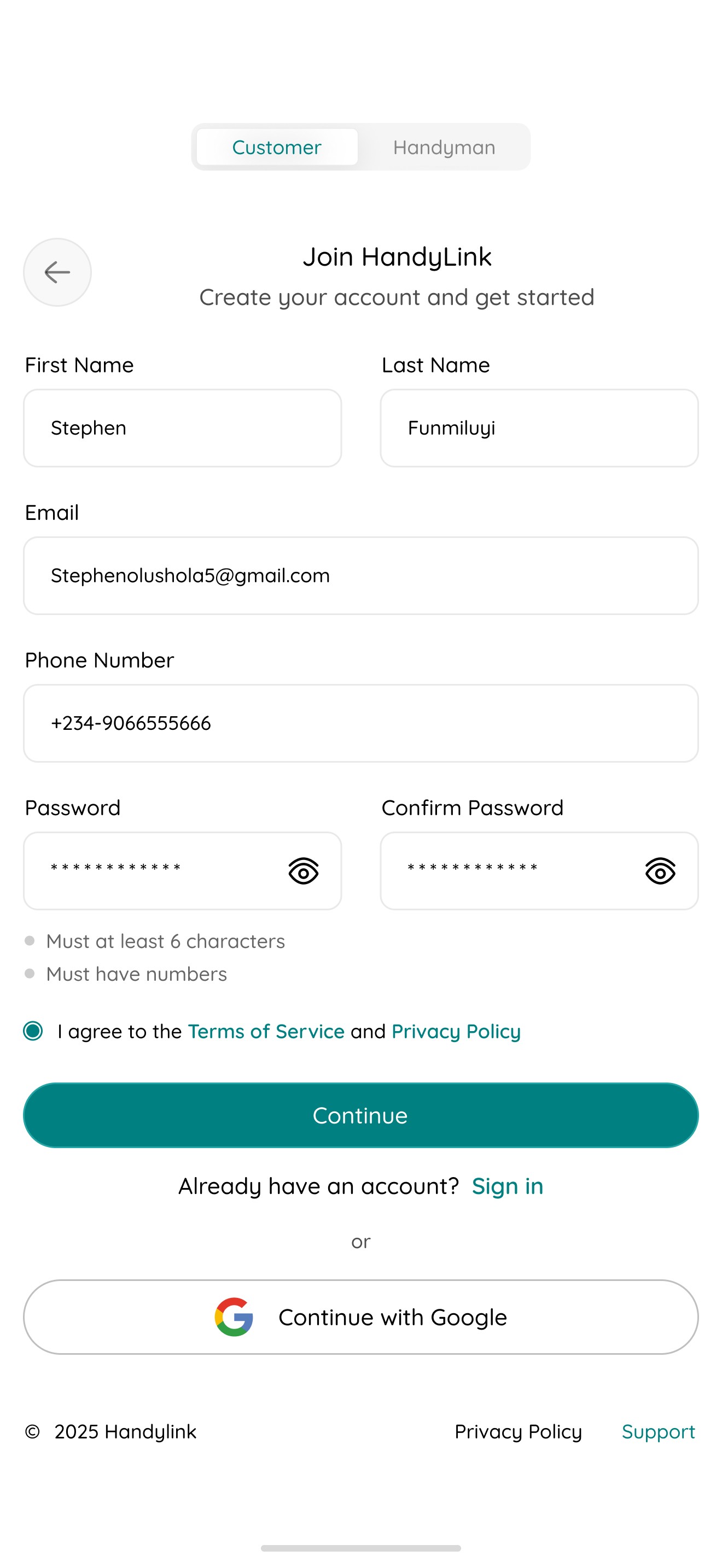
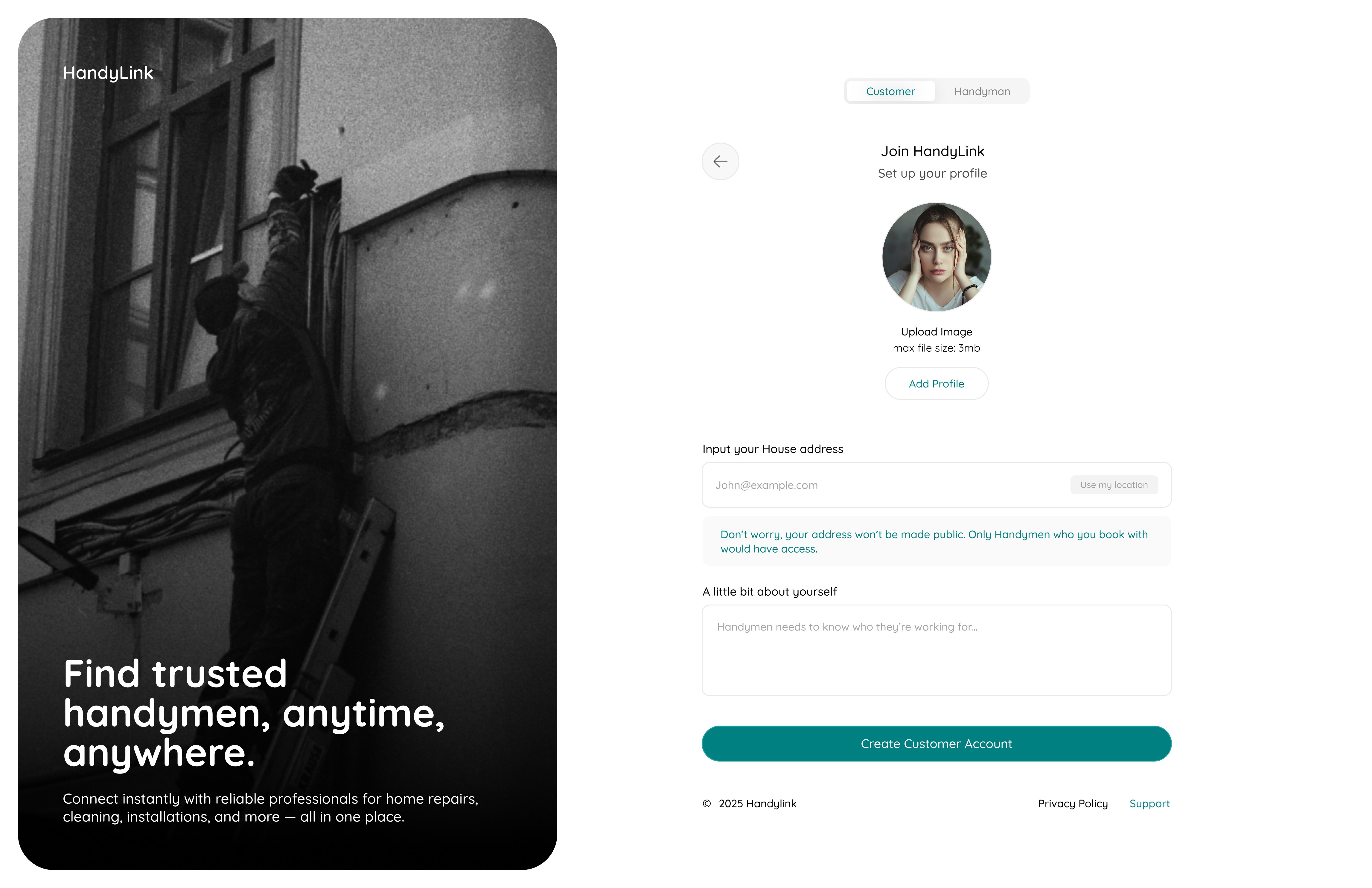
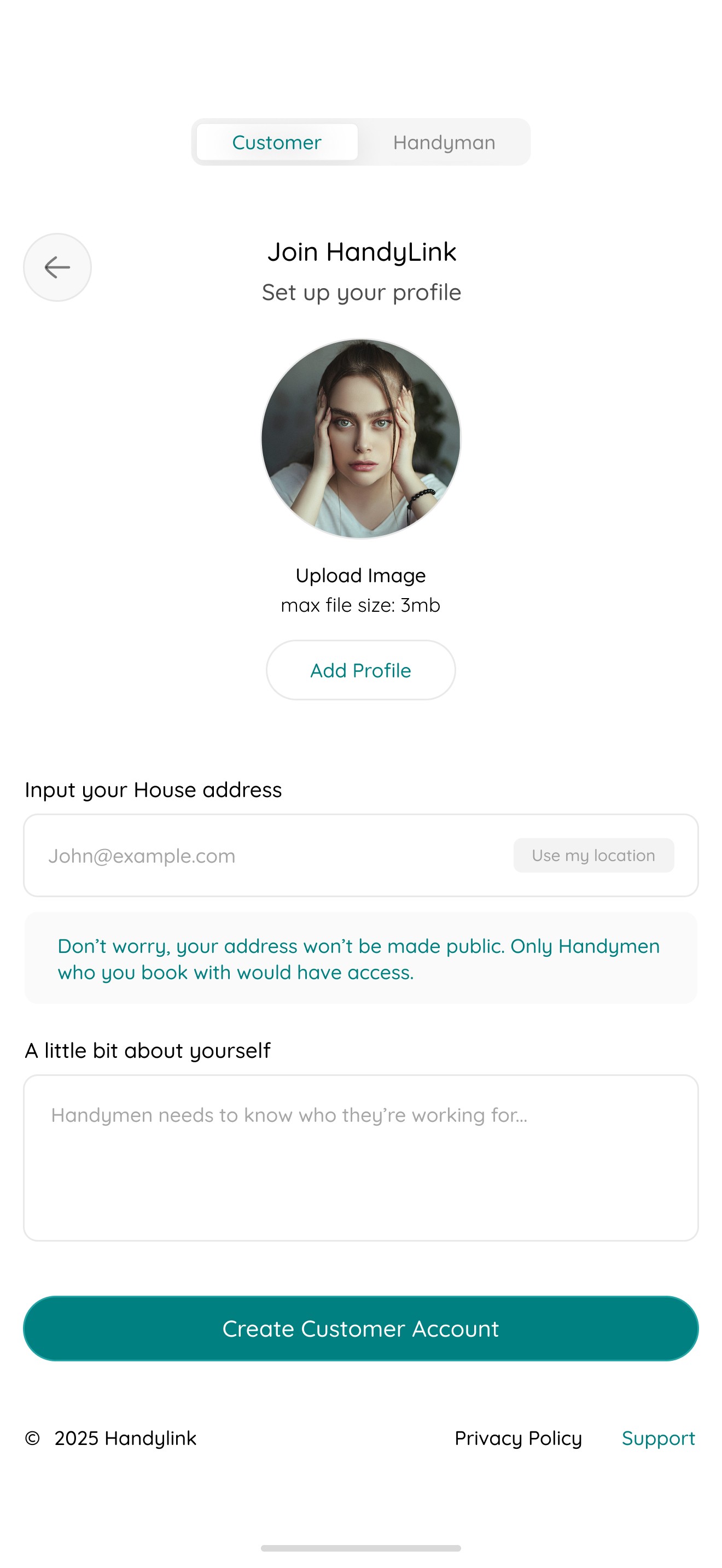
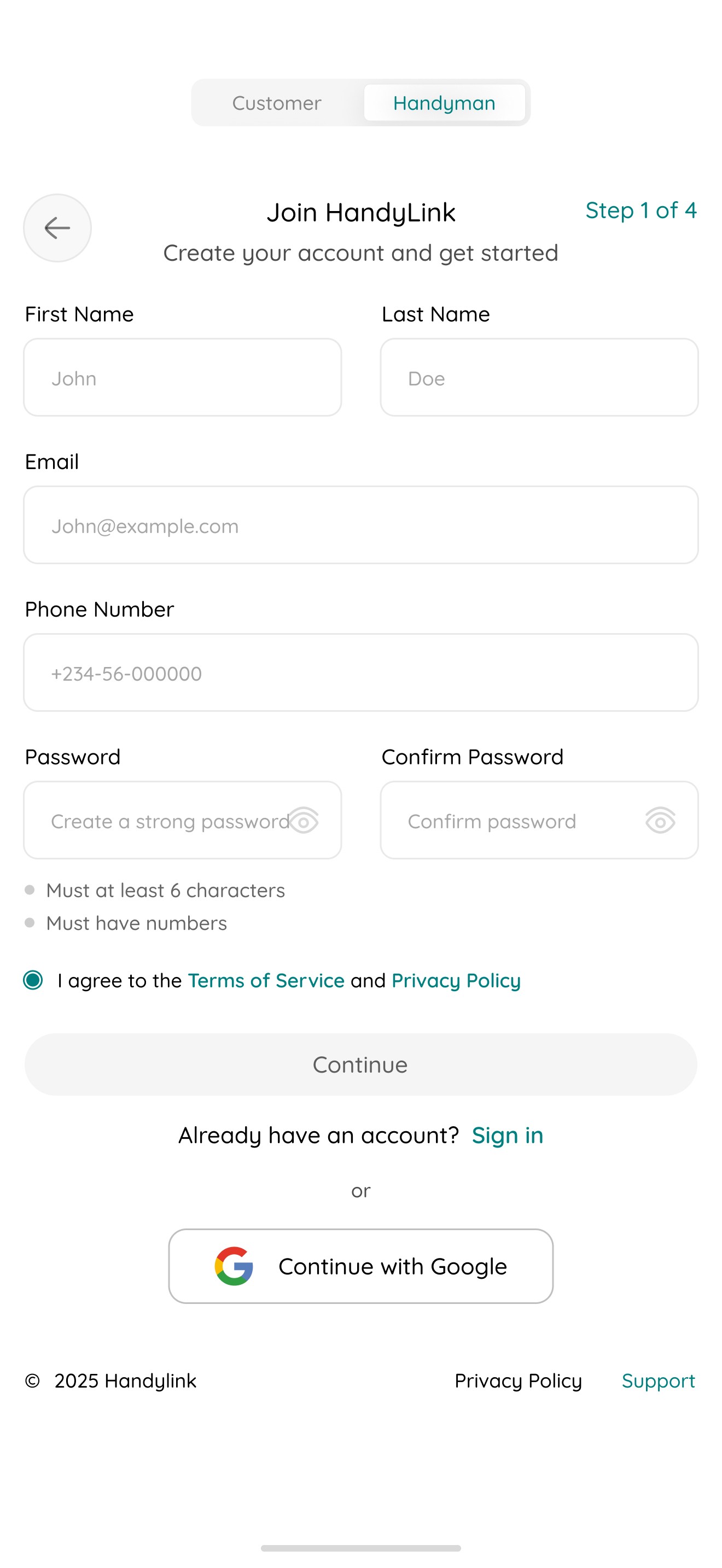
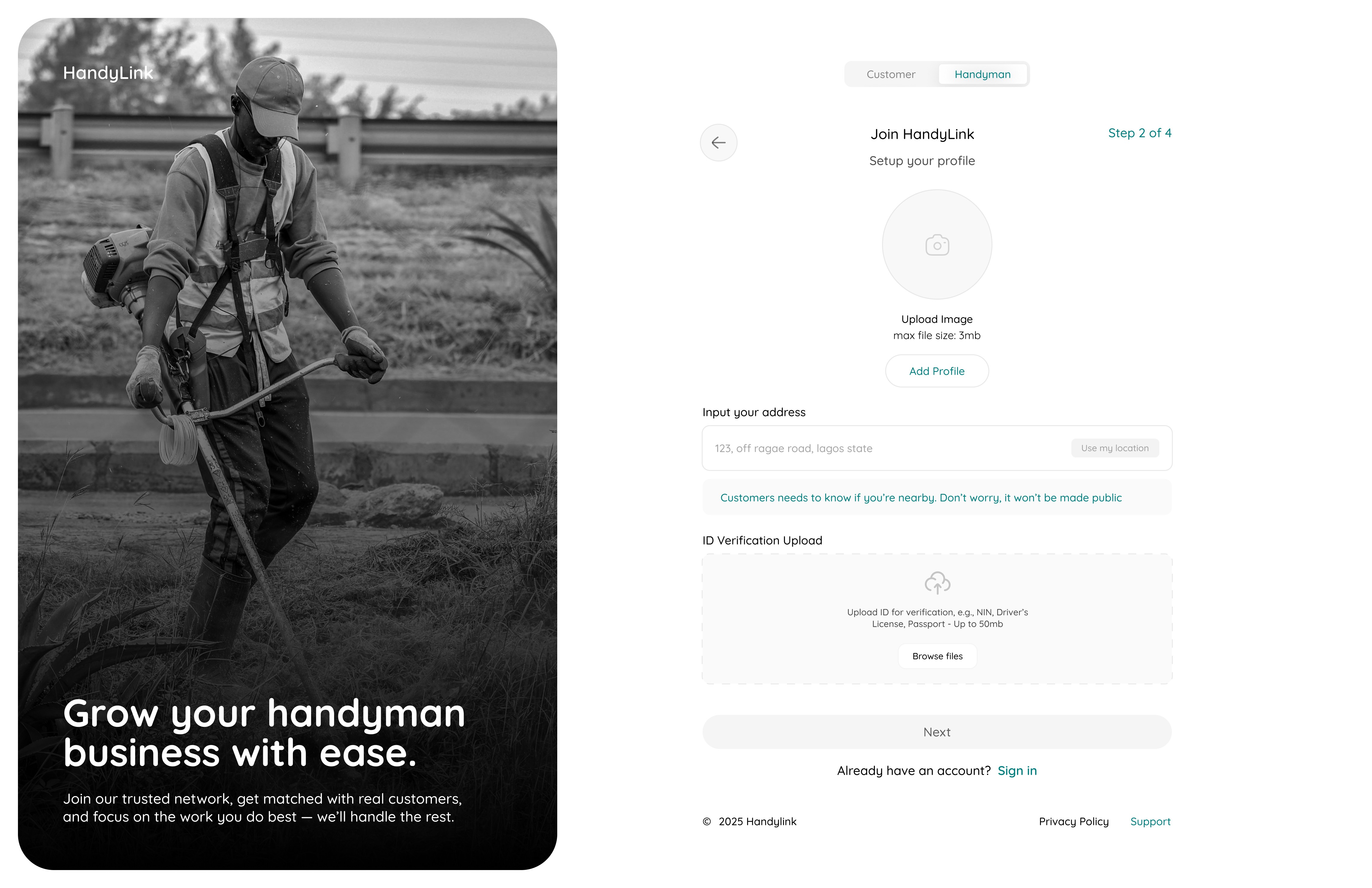
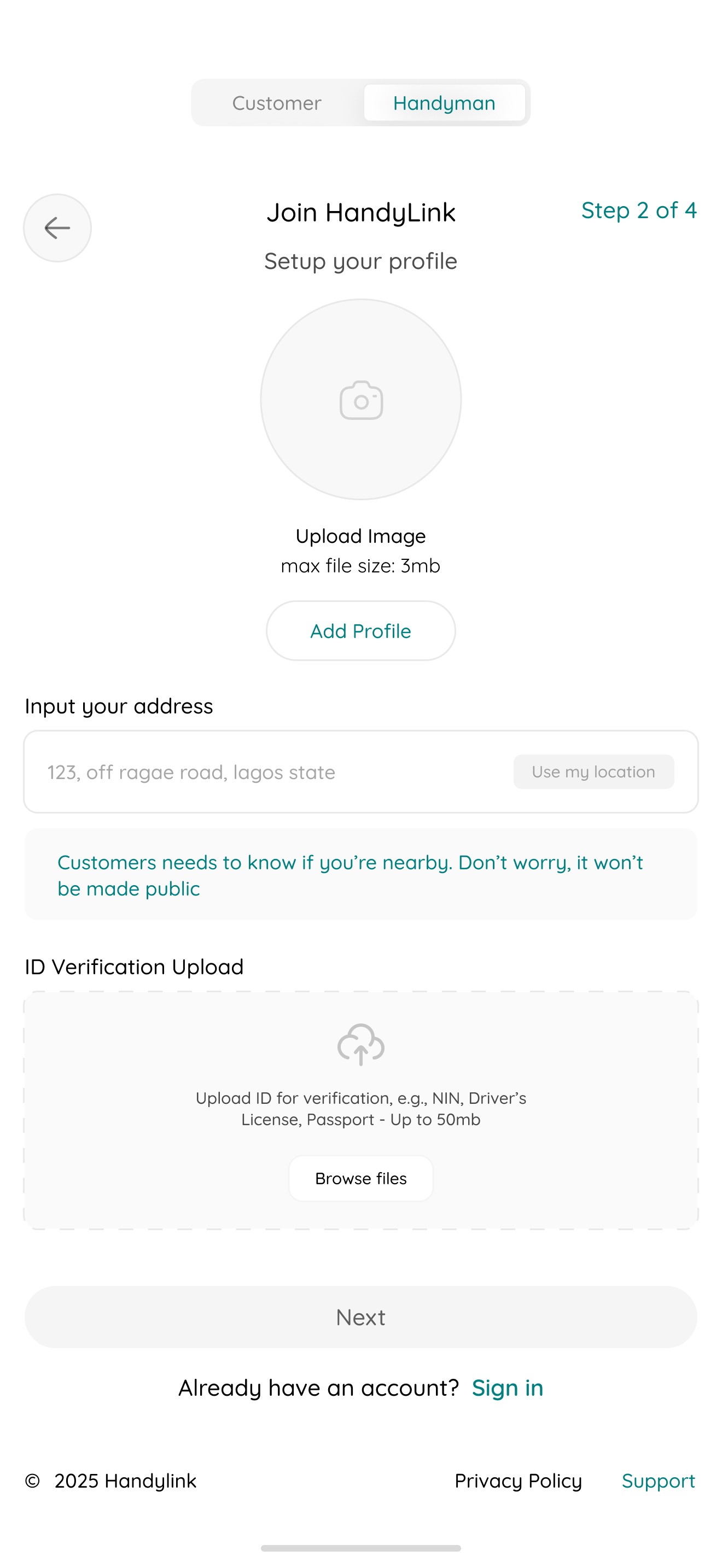
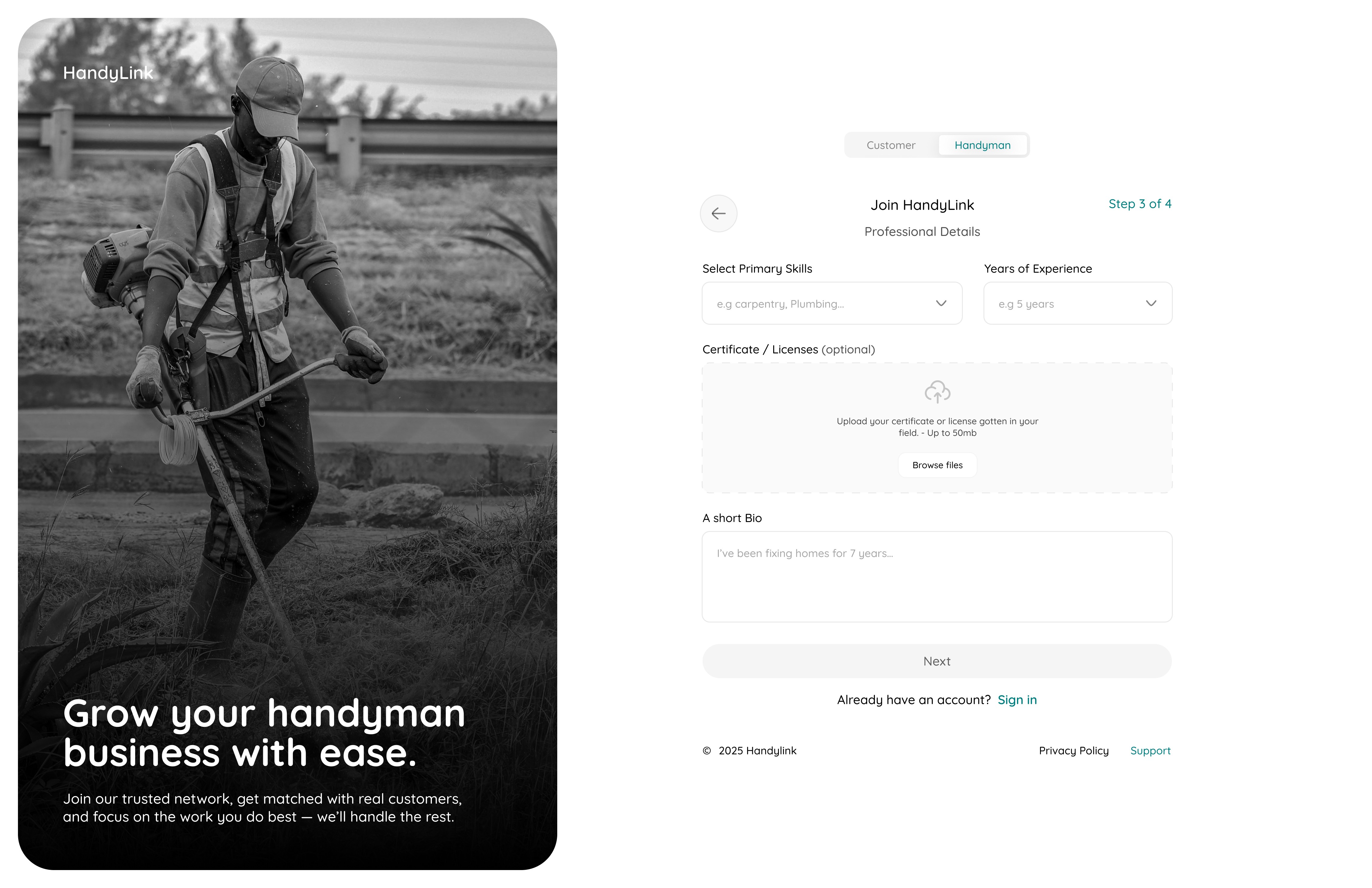
Onboarding
06
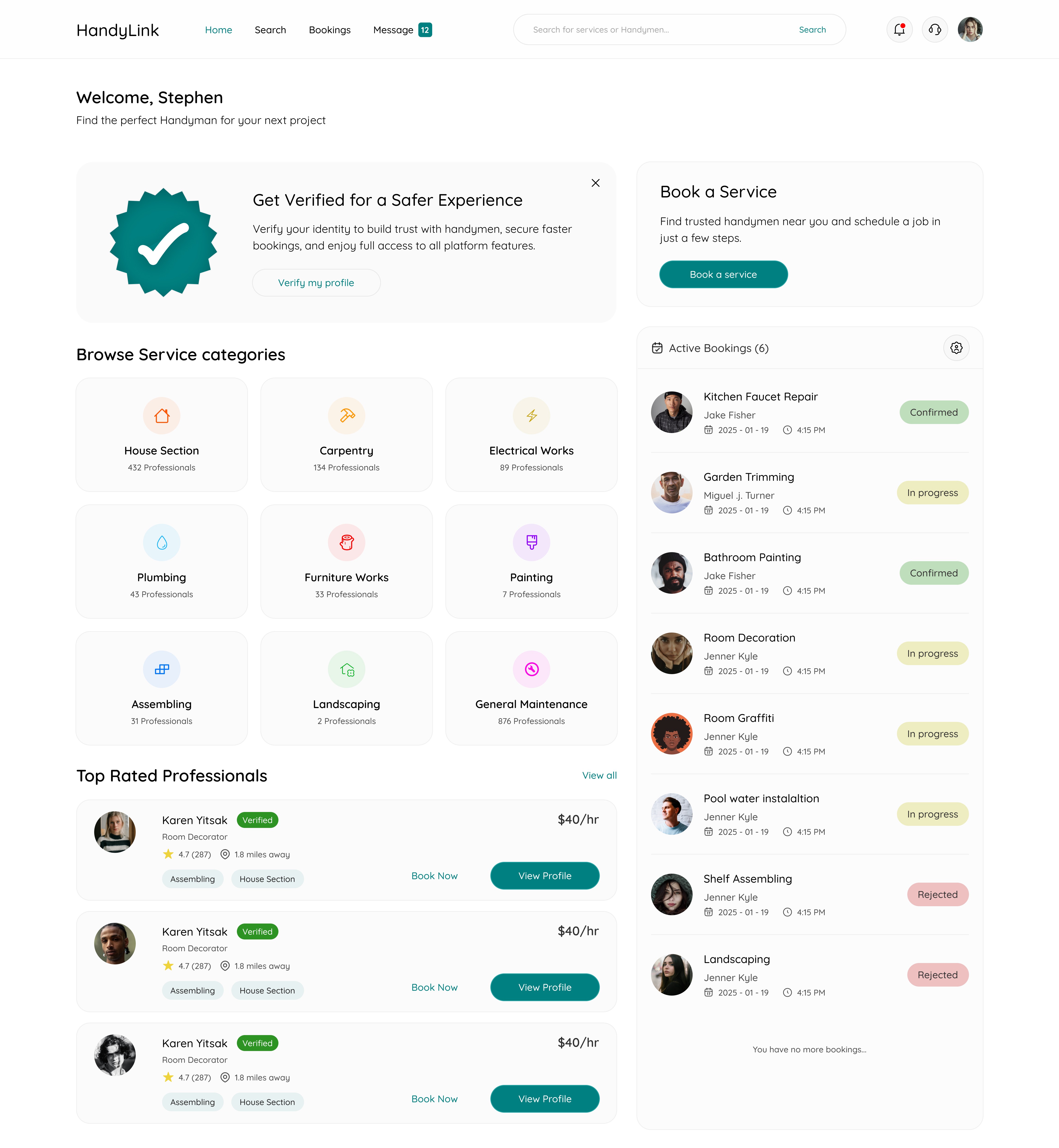
Overview
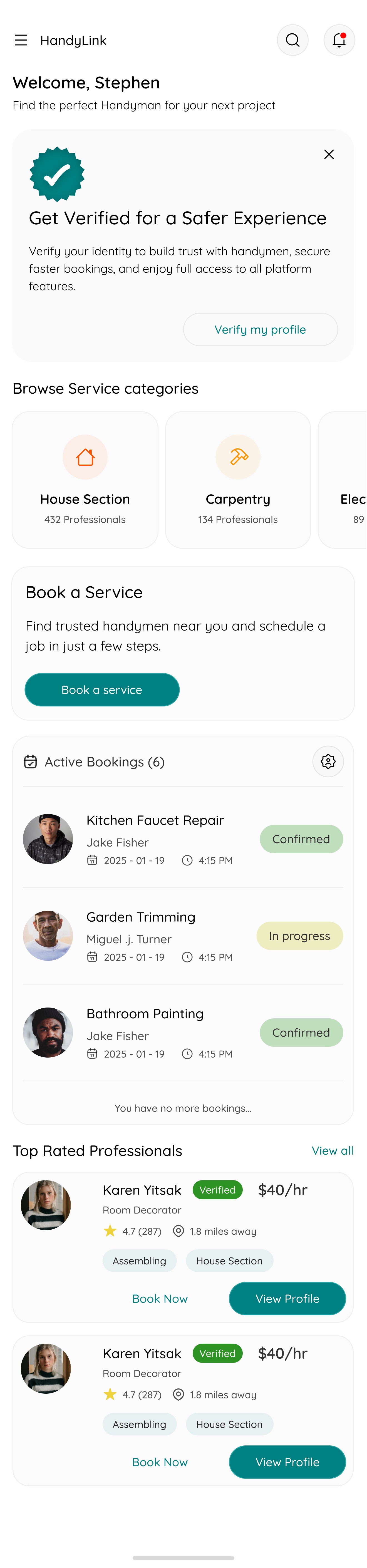
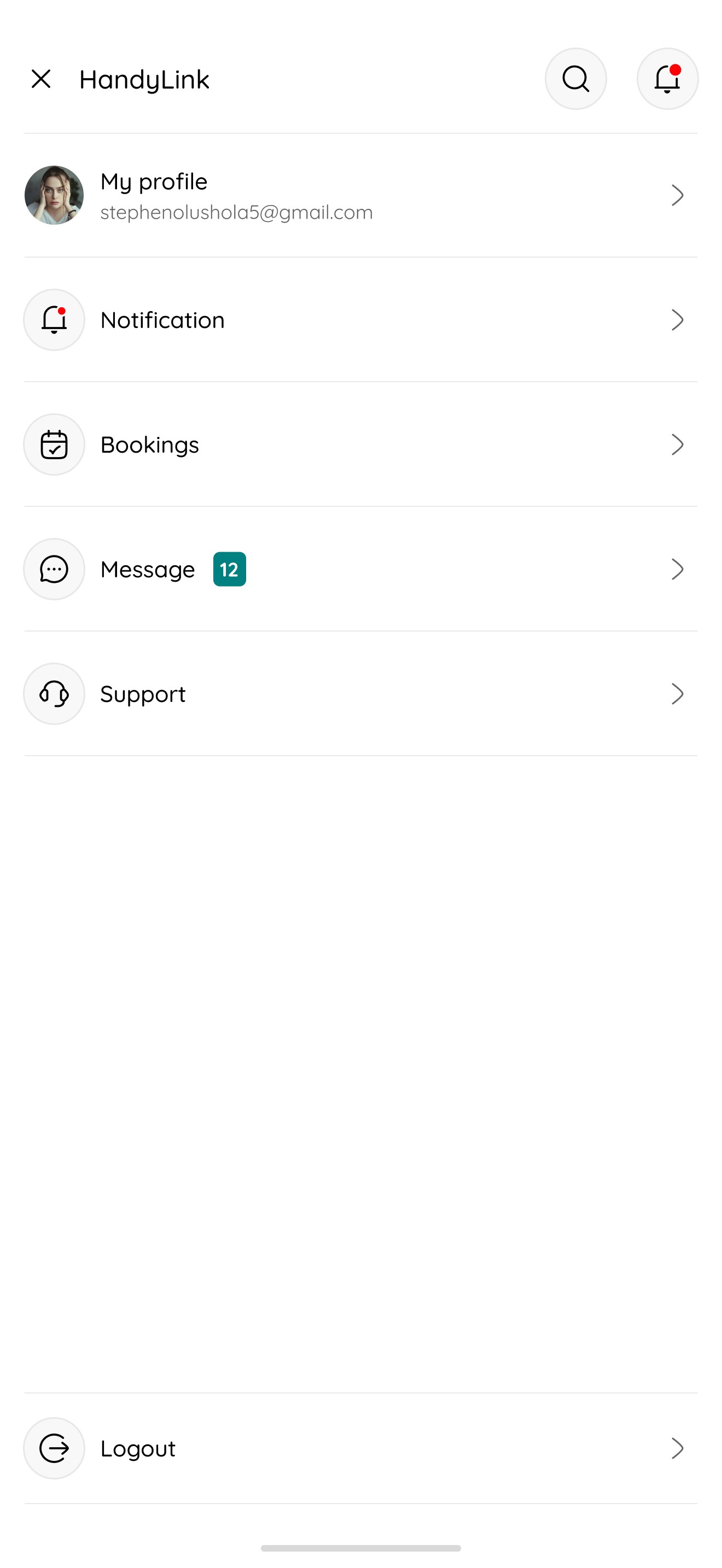
The Overview Page gives customers quick access to everything they need, from booking a service and browsing service categories, to tracking active bookings and discovering top-rated professionals, all in one clean, intuitive dashboard.
07
Search Services
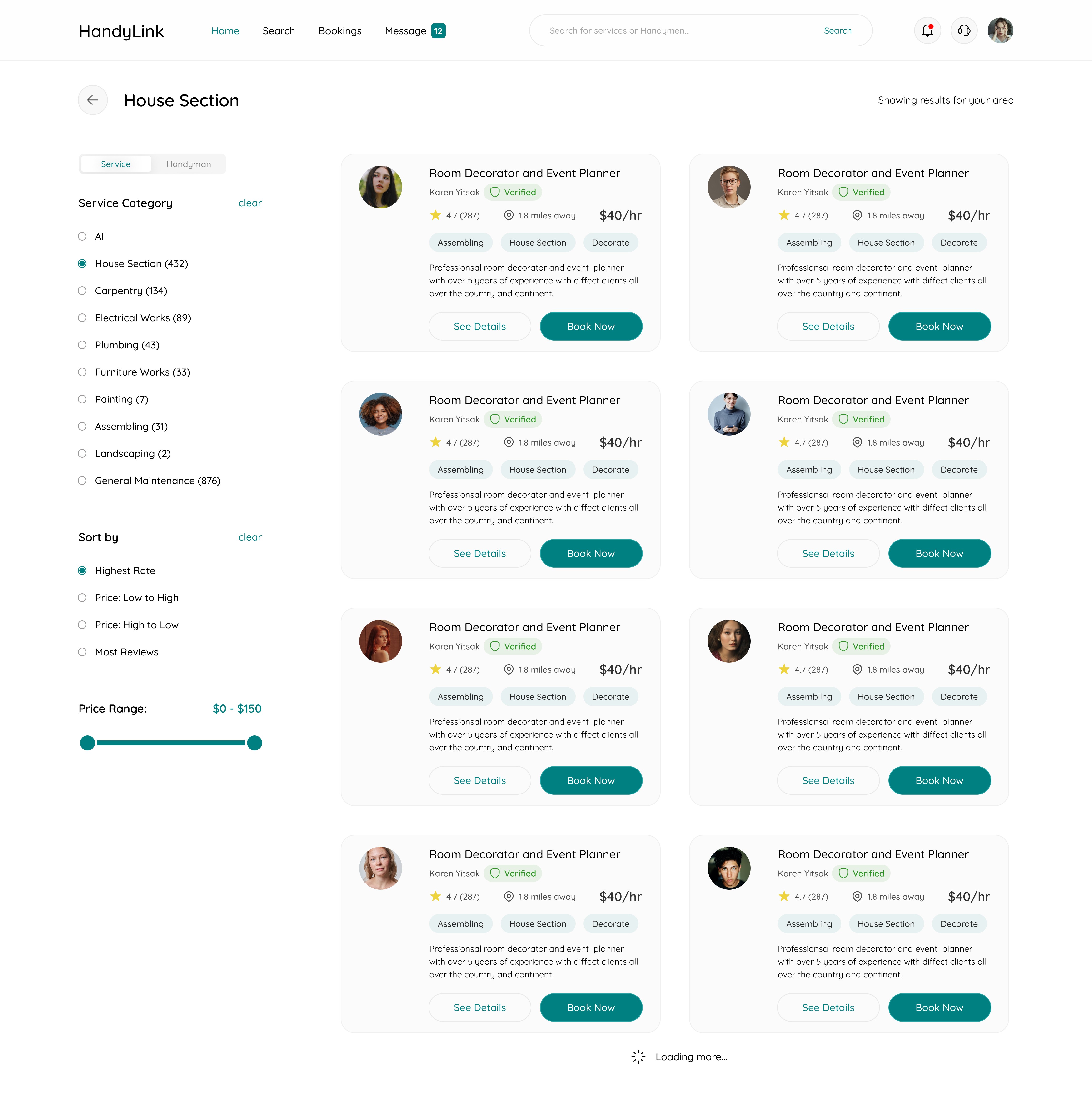
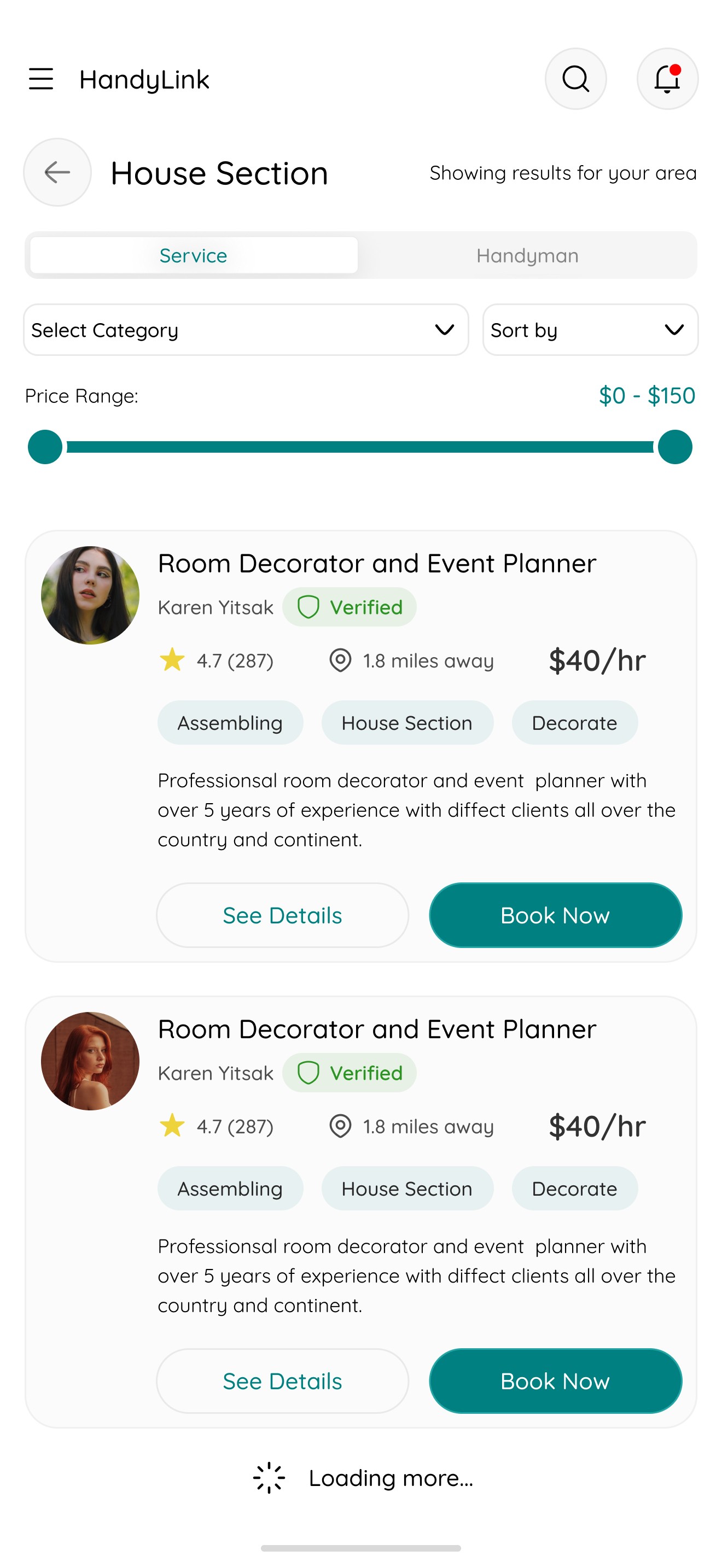
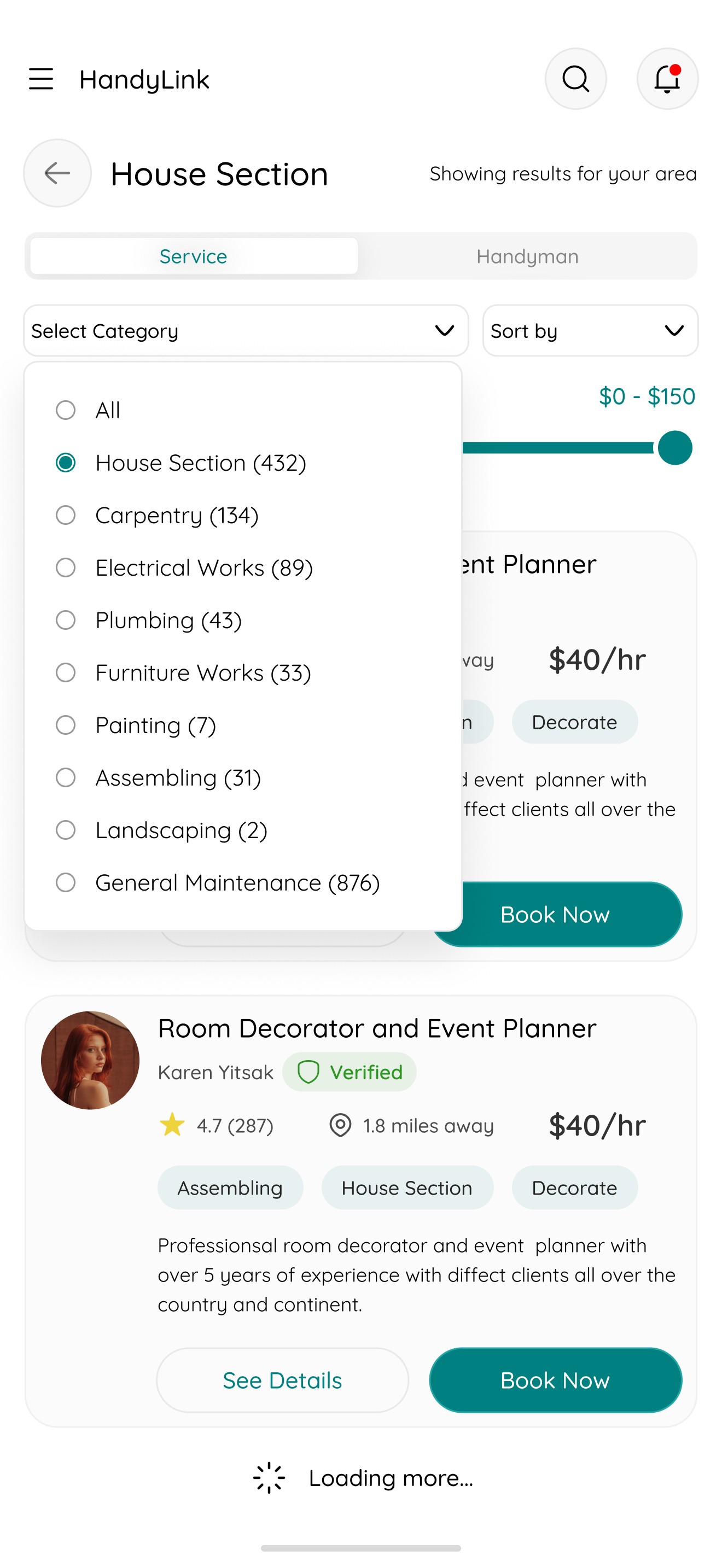
The Search Page allows users to easily explore services through categorized listings, with filters and sorting options to refine results by location, price, rating, or availability — ensuring they find the right professional fast.
08
Service Details
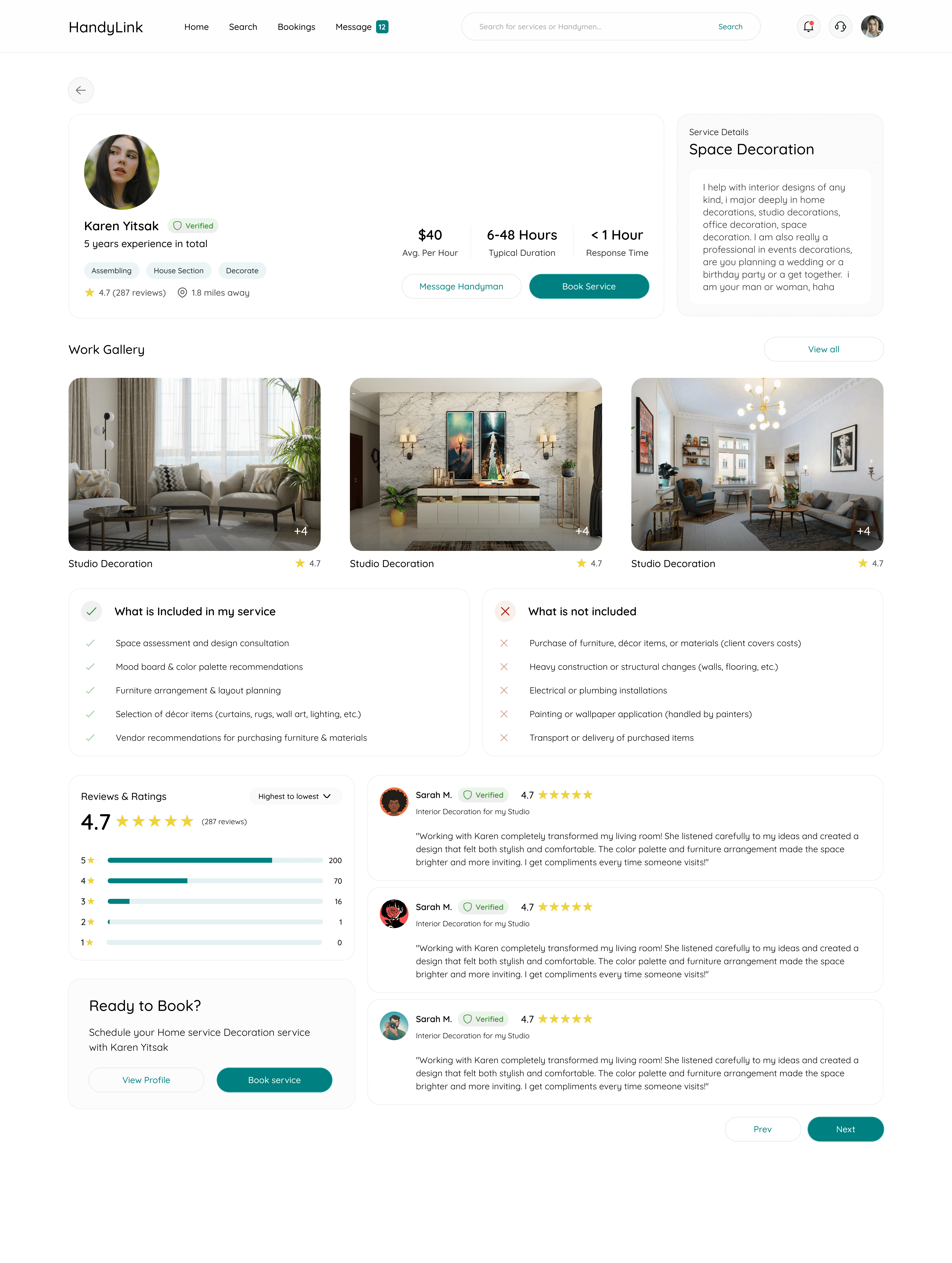
The Service Details Page provides in-depth information about a selected service, including the handyman’s profile, pricing, ratings, availability, and past reviews, with a clear “Book Now” option for quick action.

09
Handyman Profile
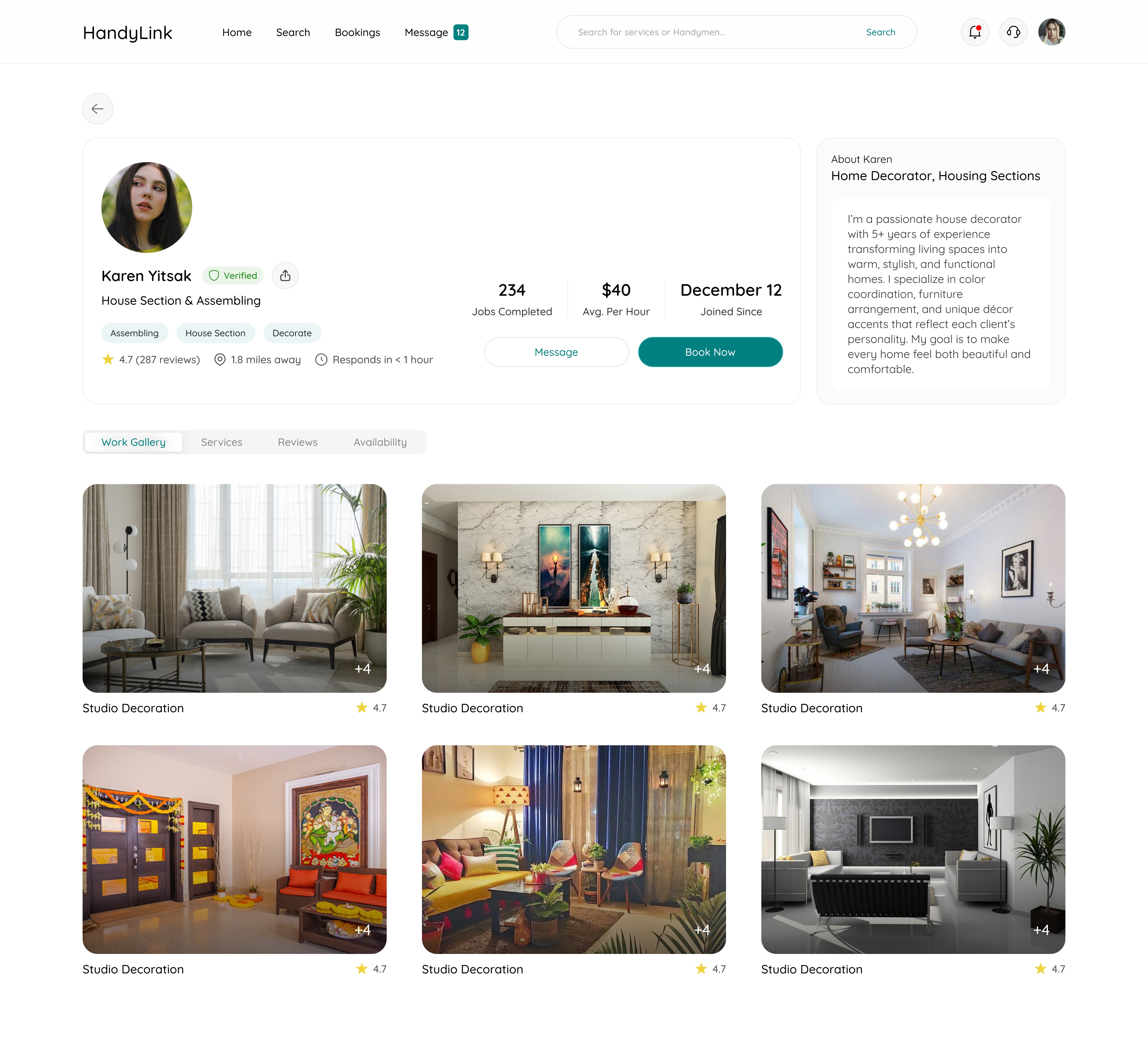
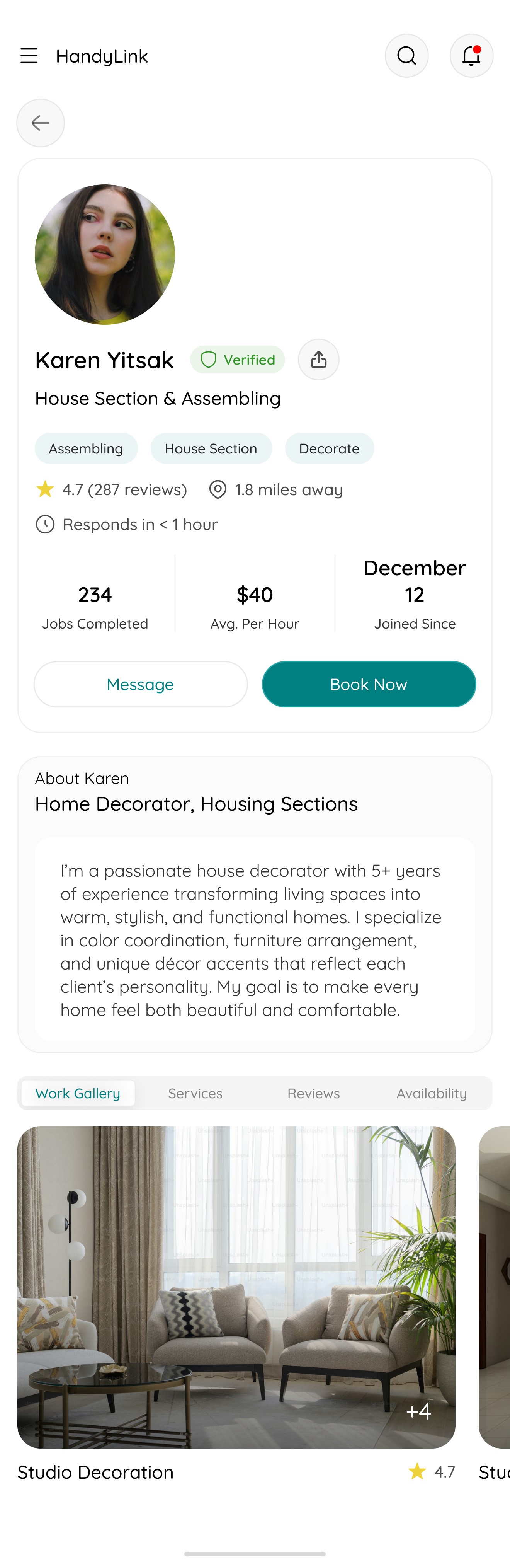
The Handyman Profile showcases key details such as the provider’s about, profile info, work gallery, services offered, customer reviews, and availability, helping users assess credibility before booking.
10
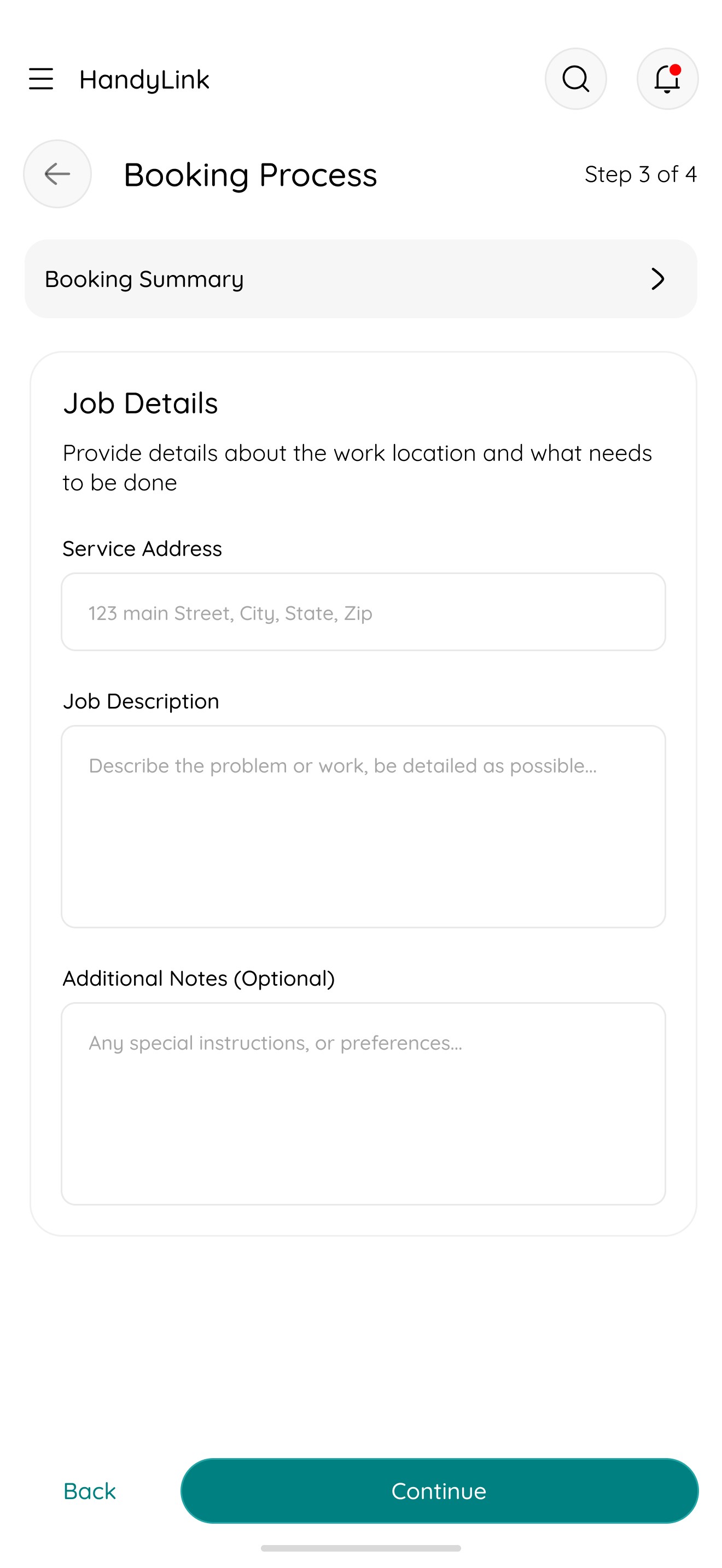
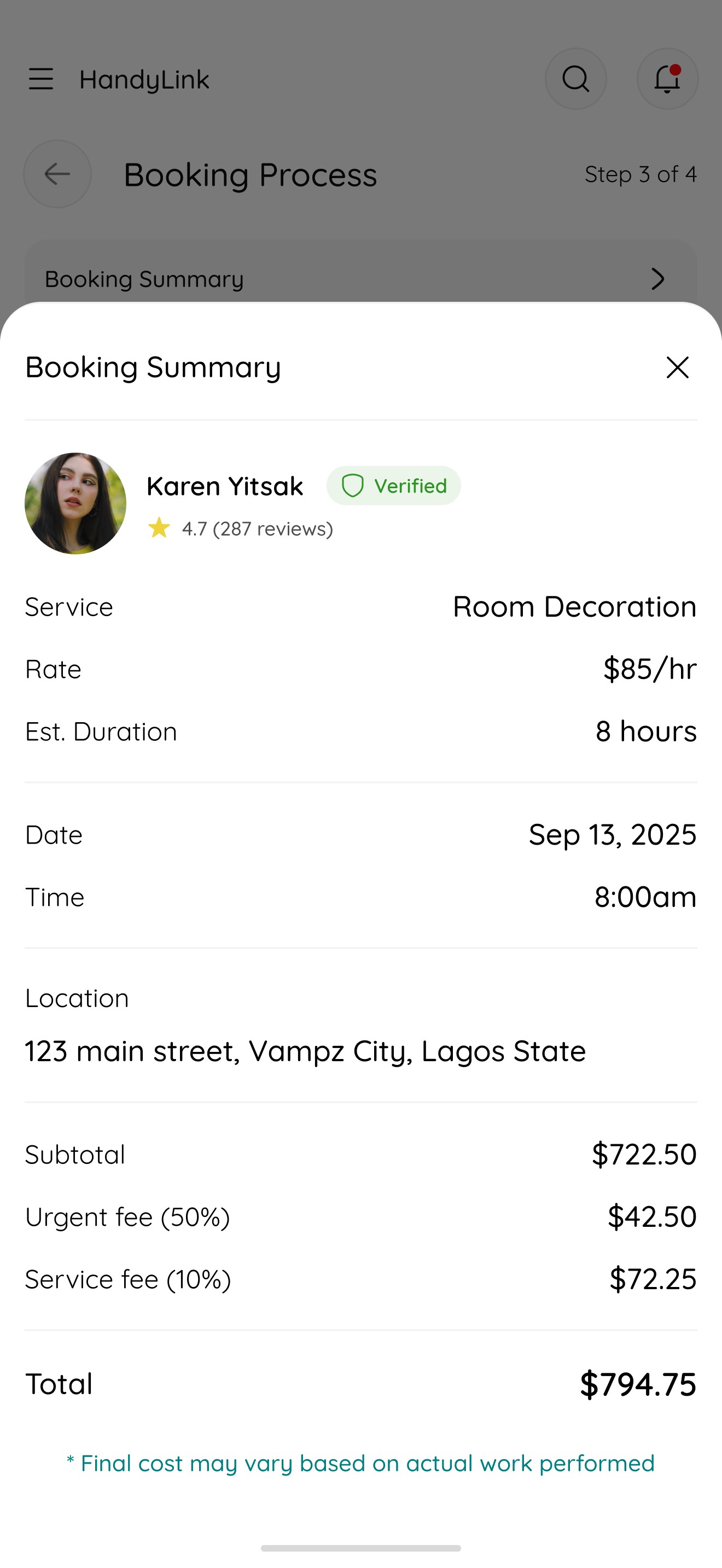
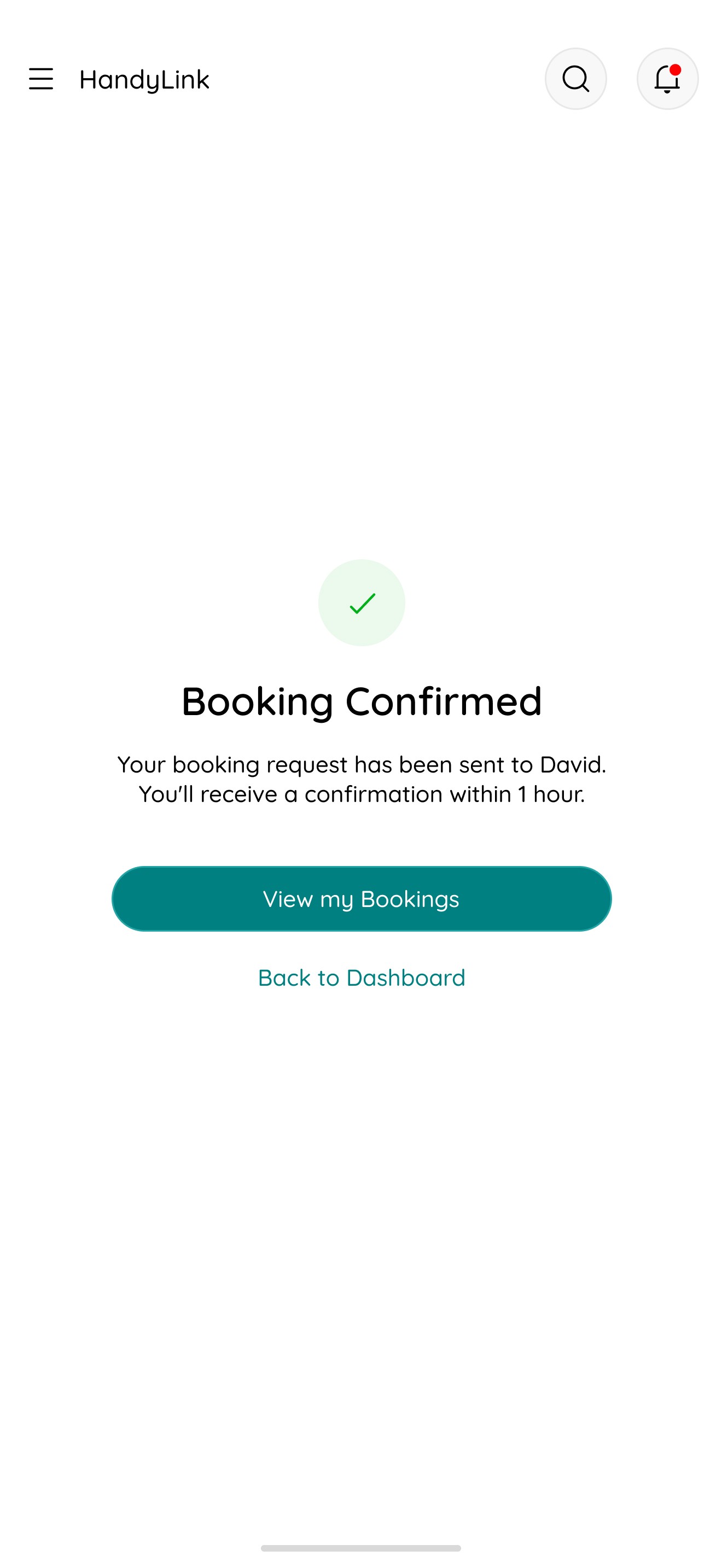
Booking Flow
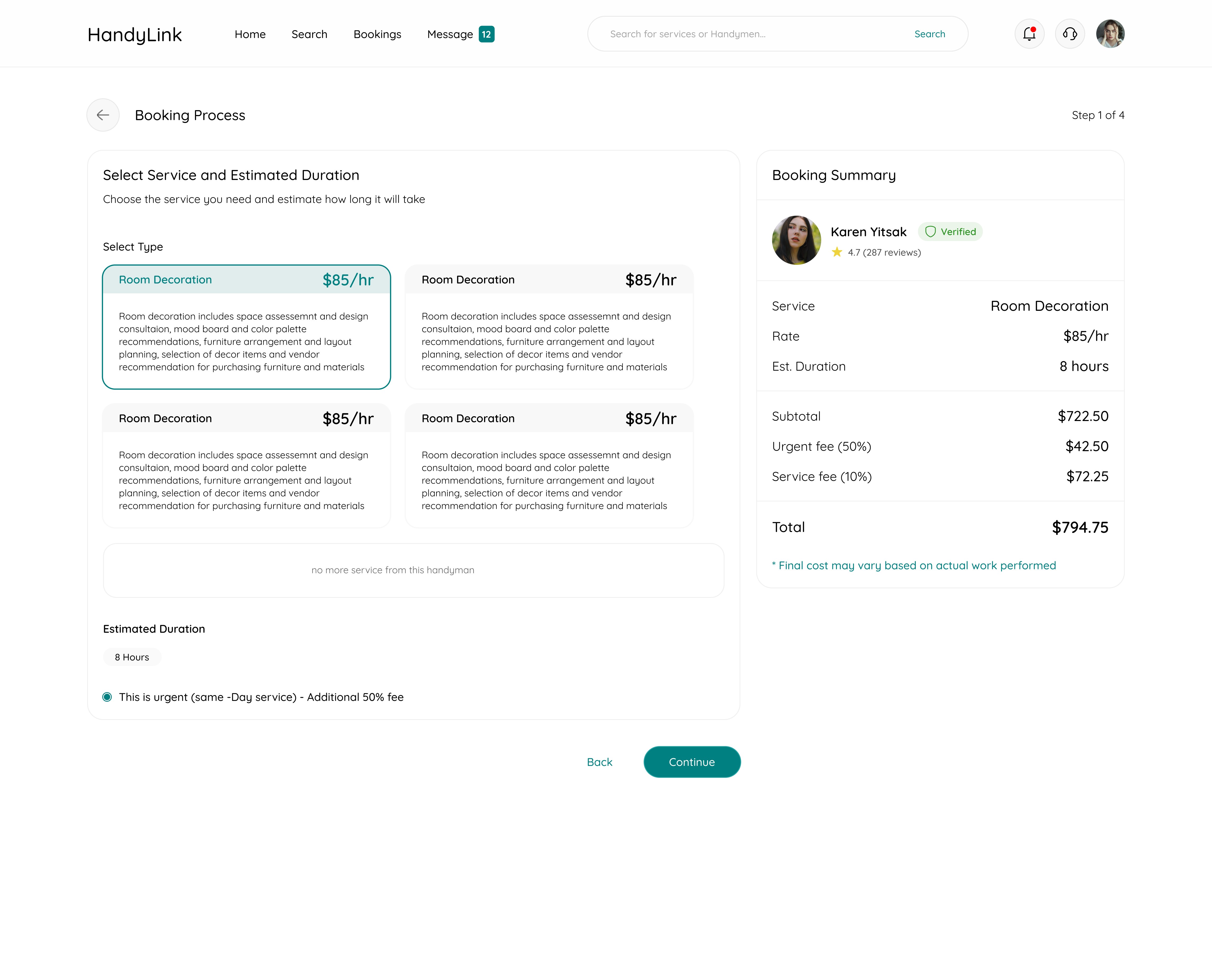
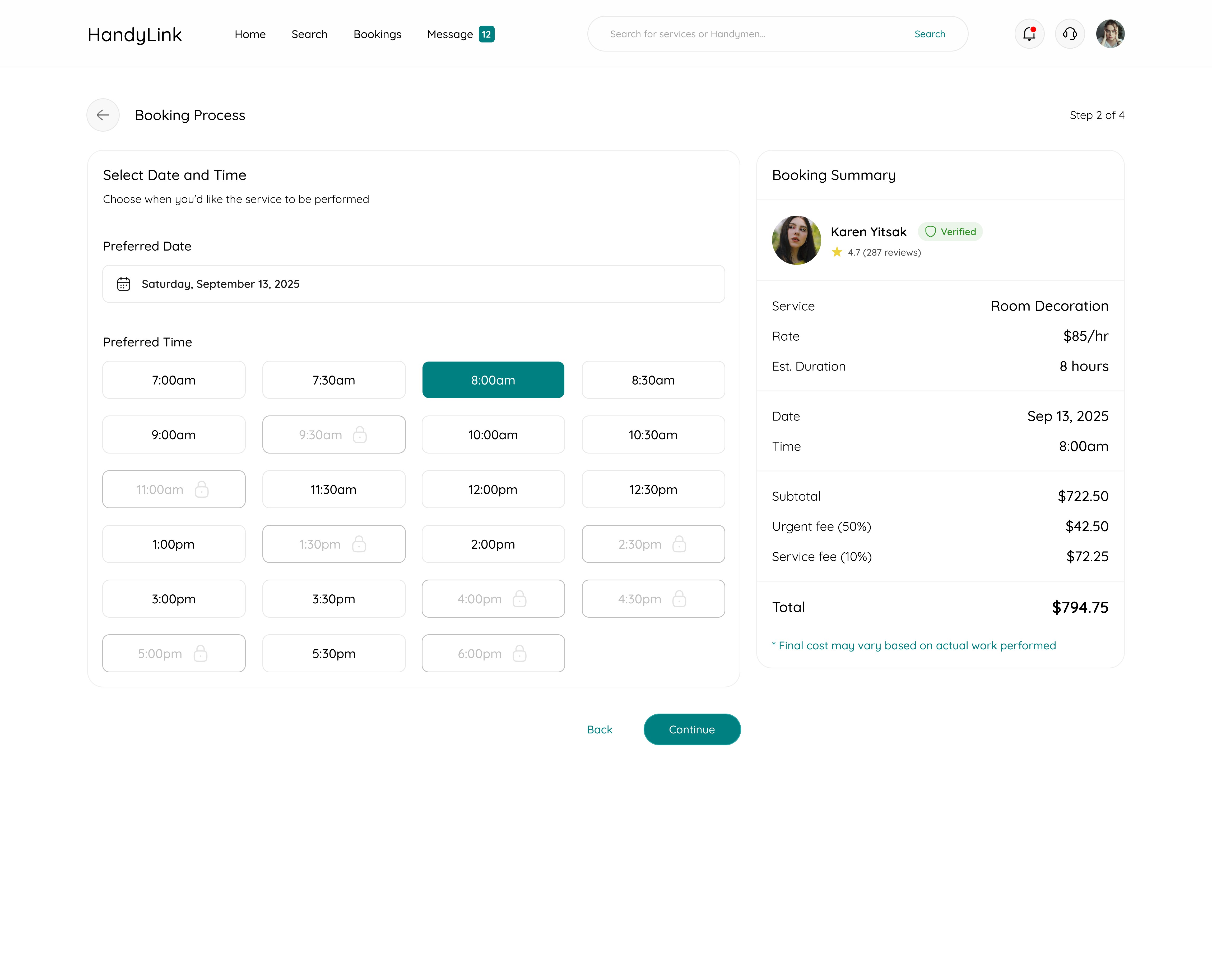
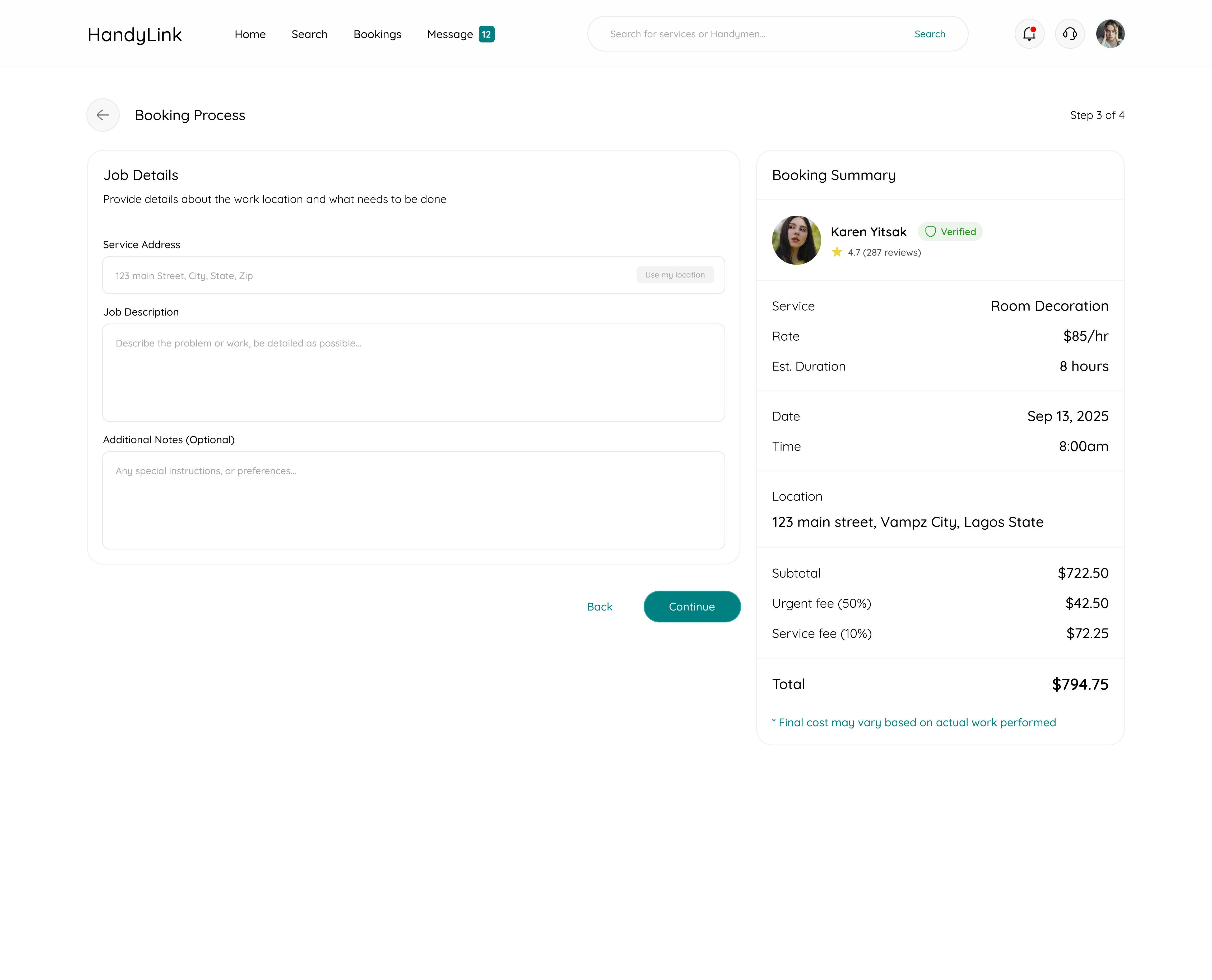
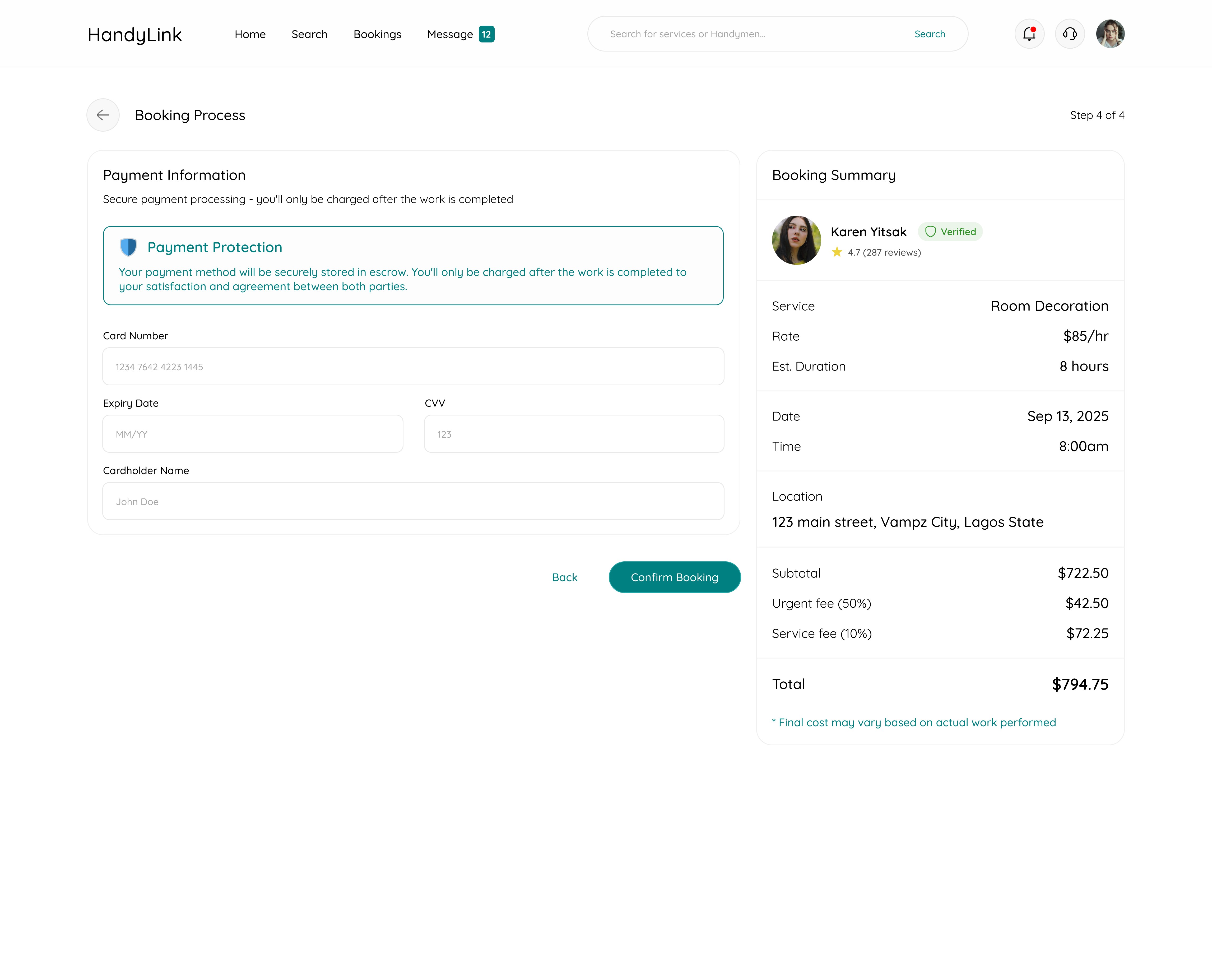
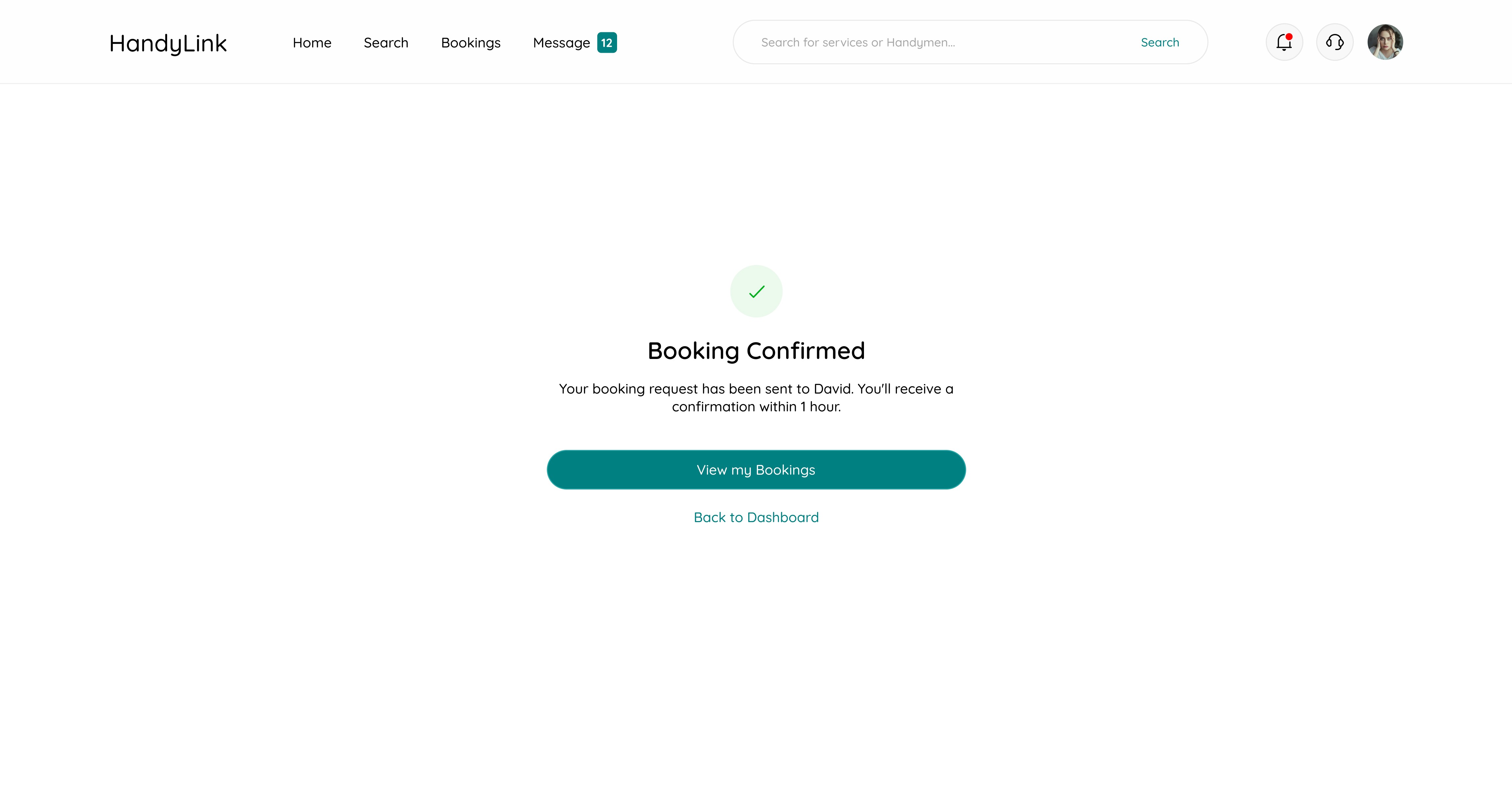
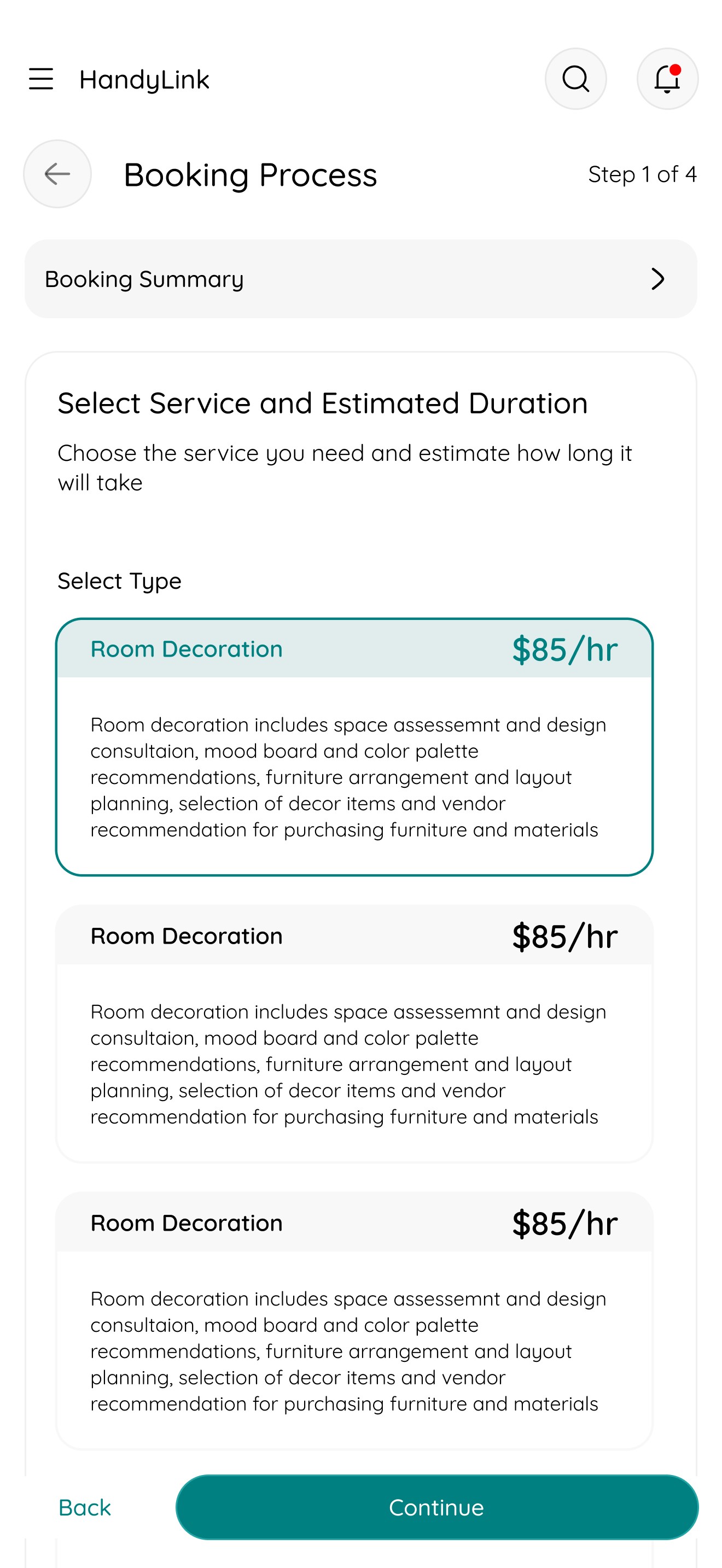
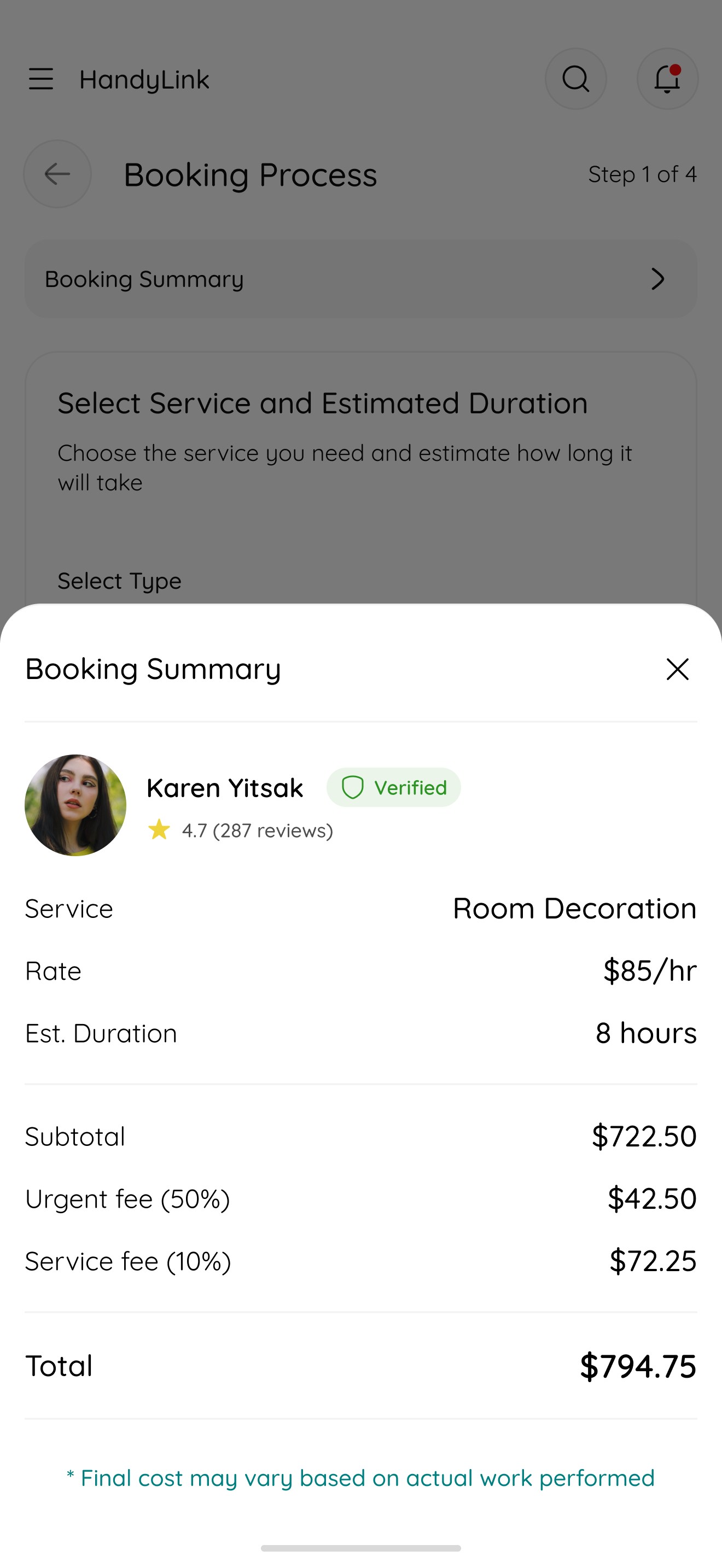
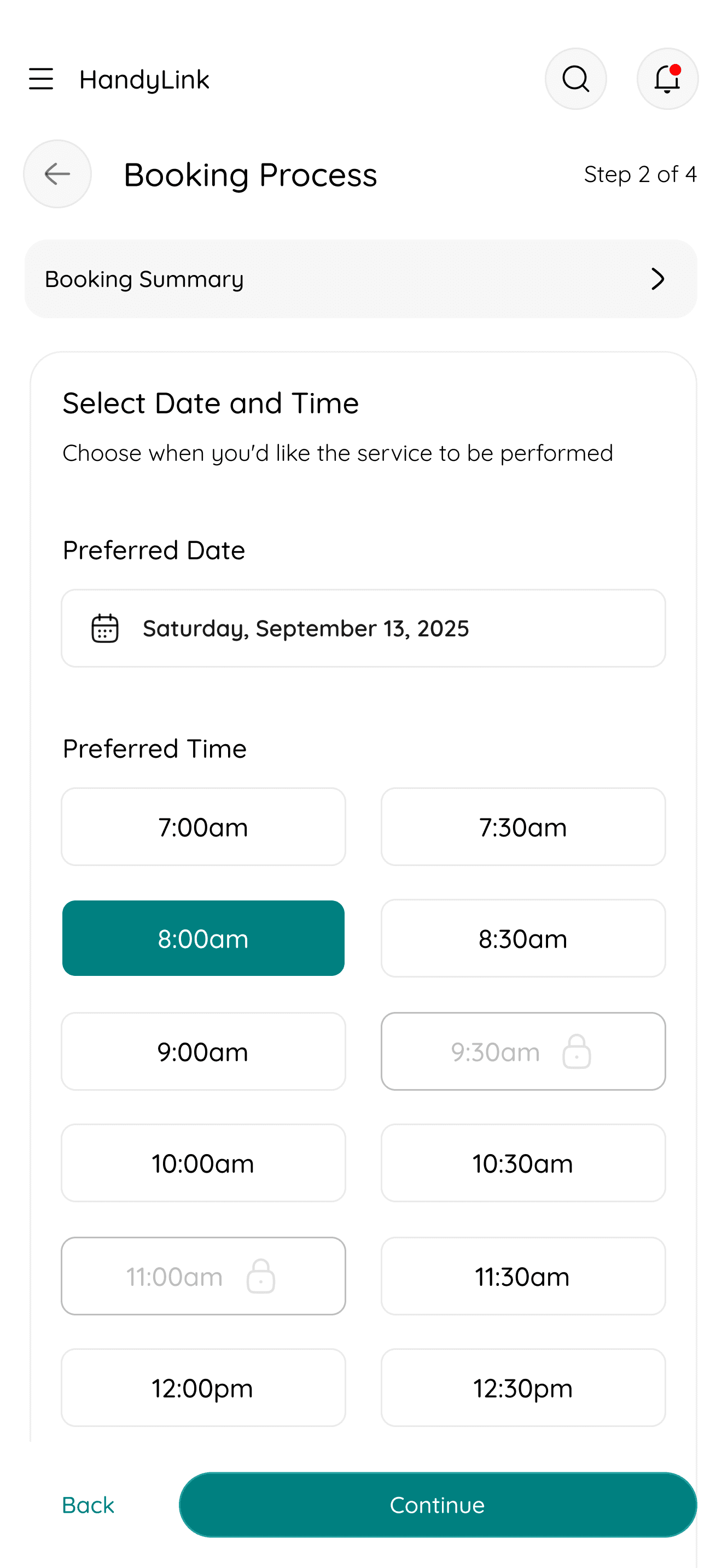
The Booking Process Page guides users through selecting a service, choosing a date and time, confirming handyman details, and completing secure payment, making the entire booking experience smooth and intuitive.
11
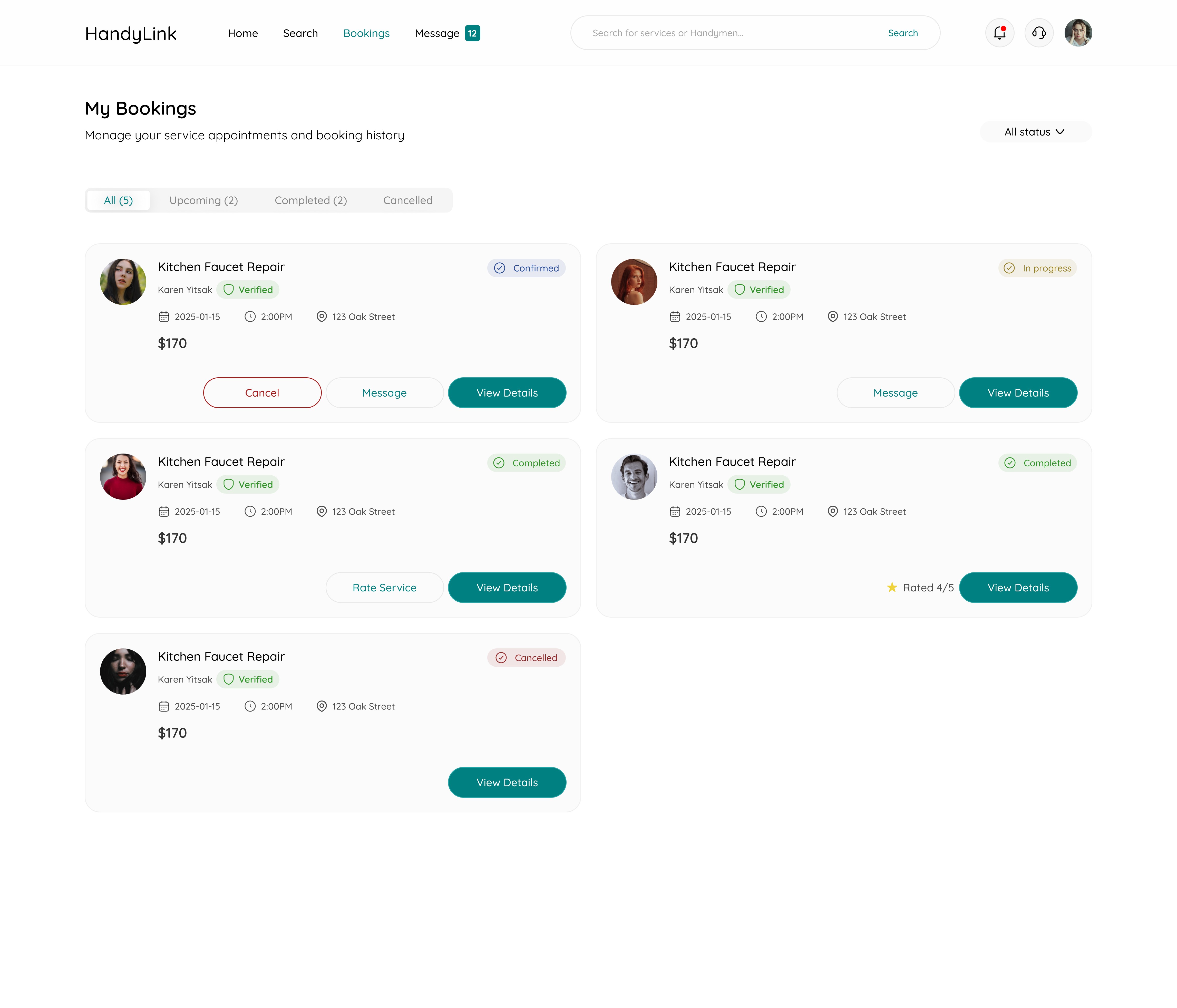
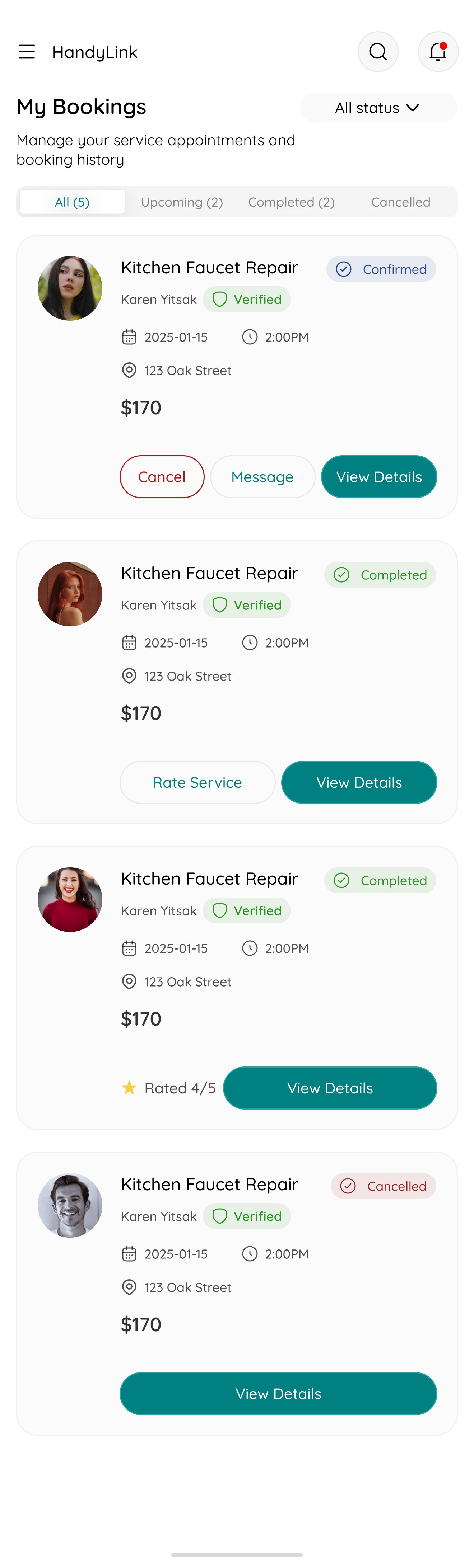
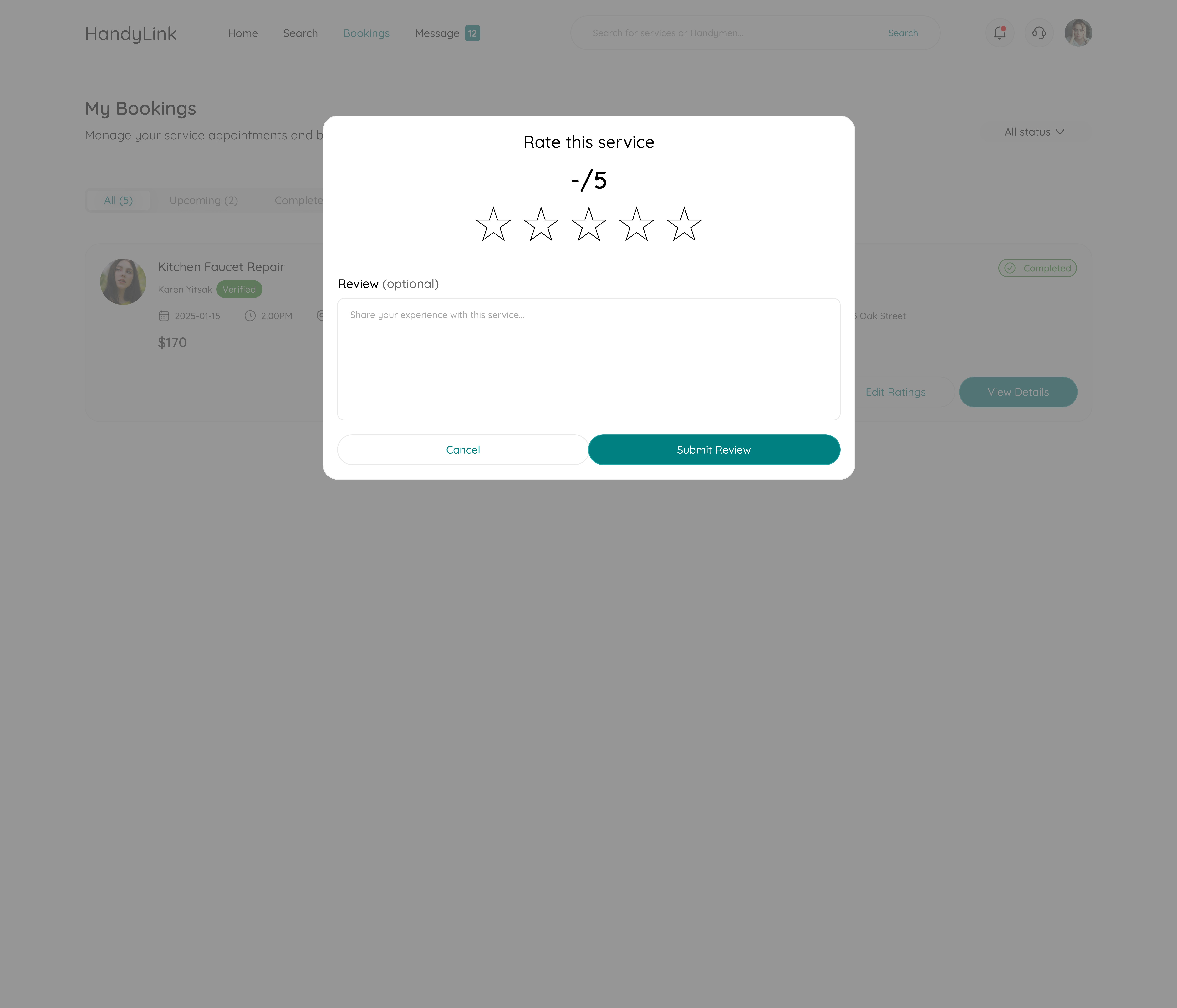
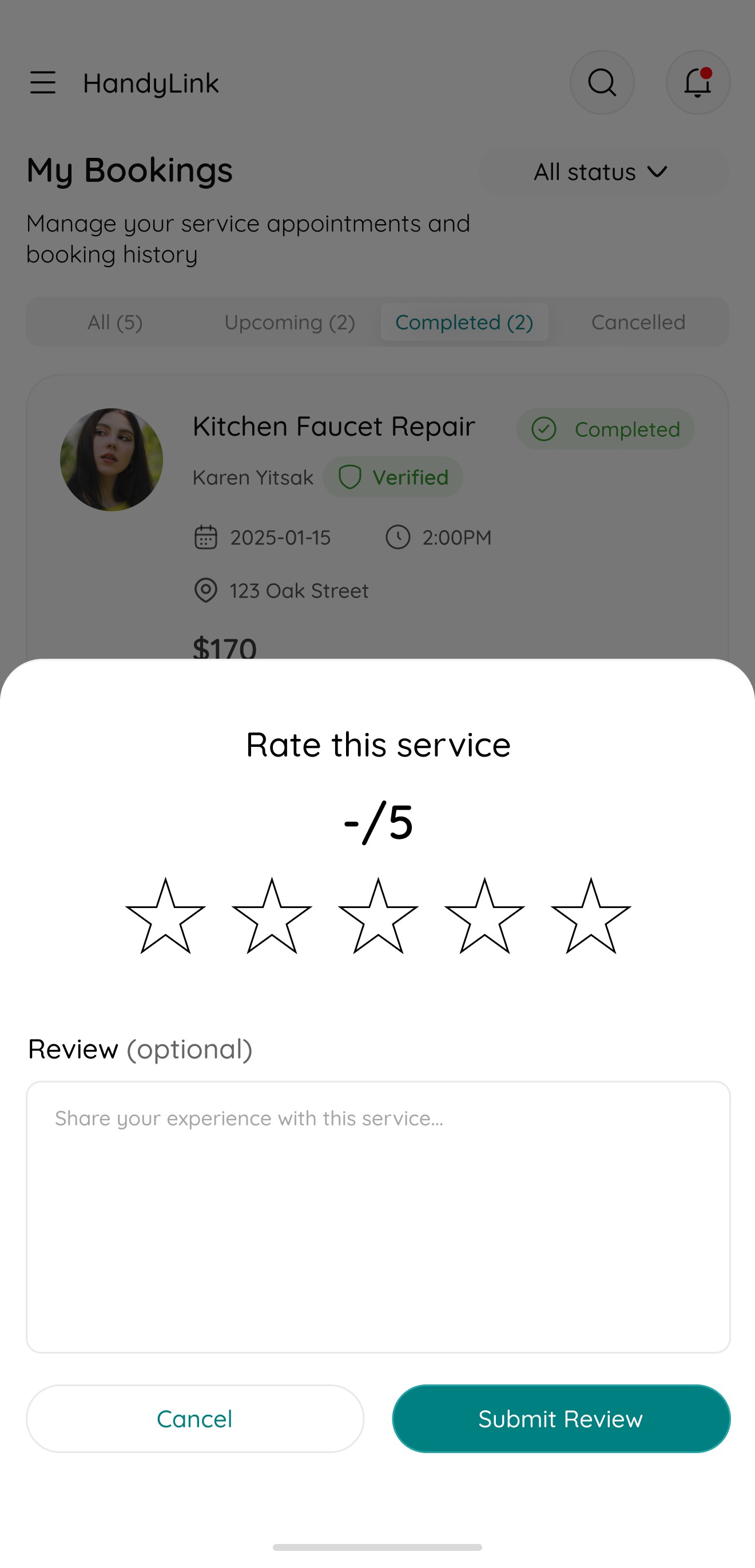
My Bookings and Ratings
The My Bookings & Ratings Page lets users view all past and ongoing bookings, track progress, and rate completed services — helping maintain accountability and improve service quality across the platform.

12
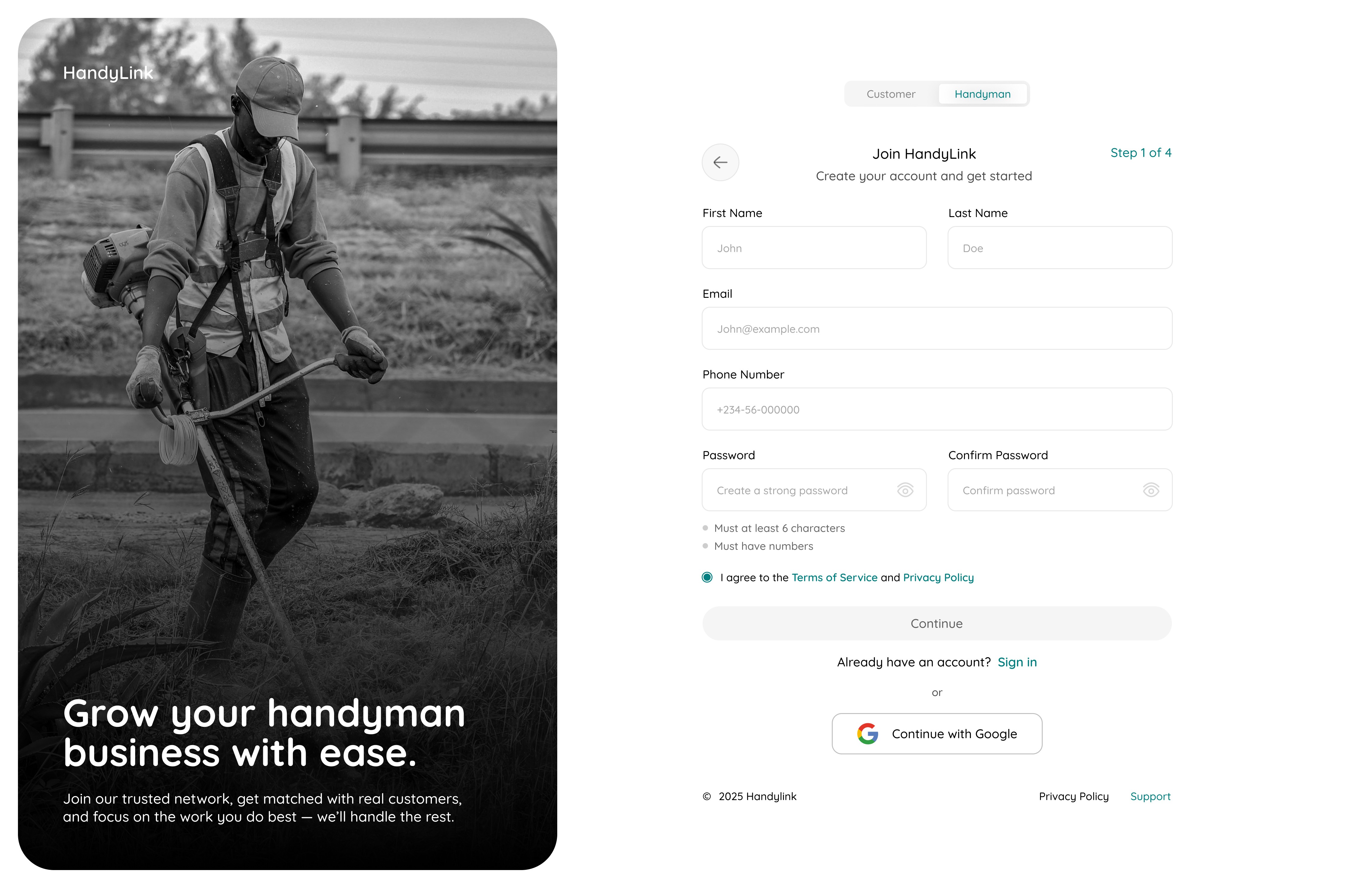
Onboarding
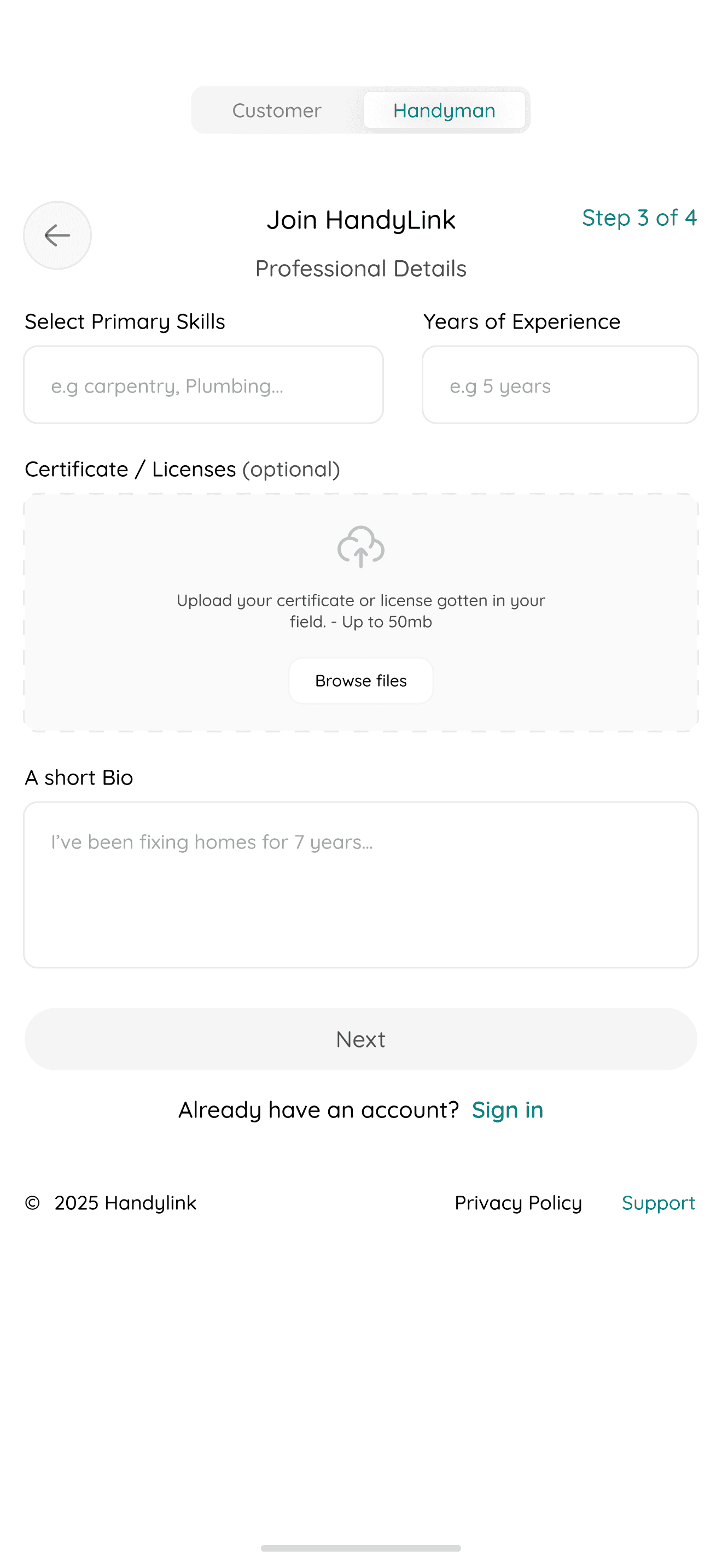
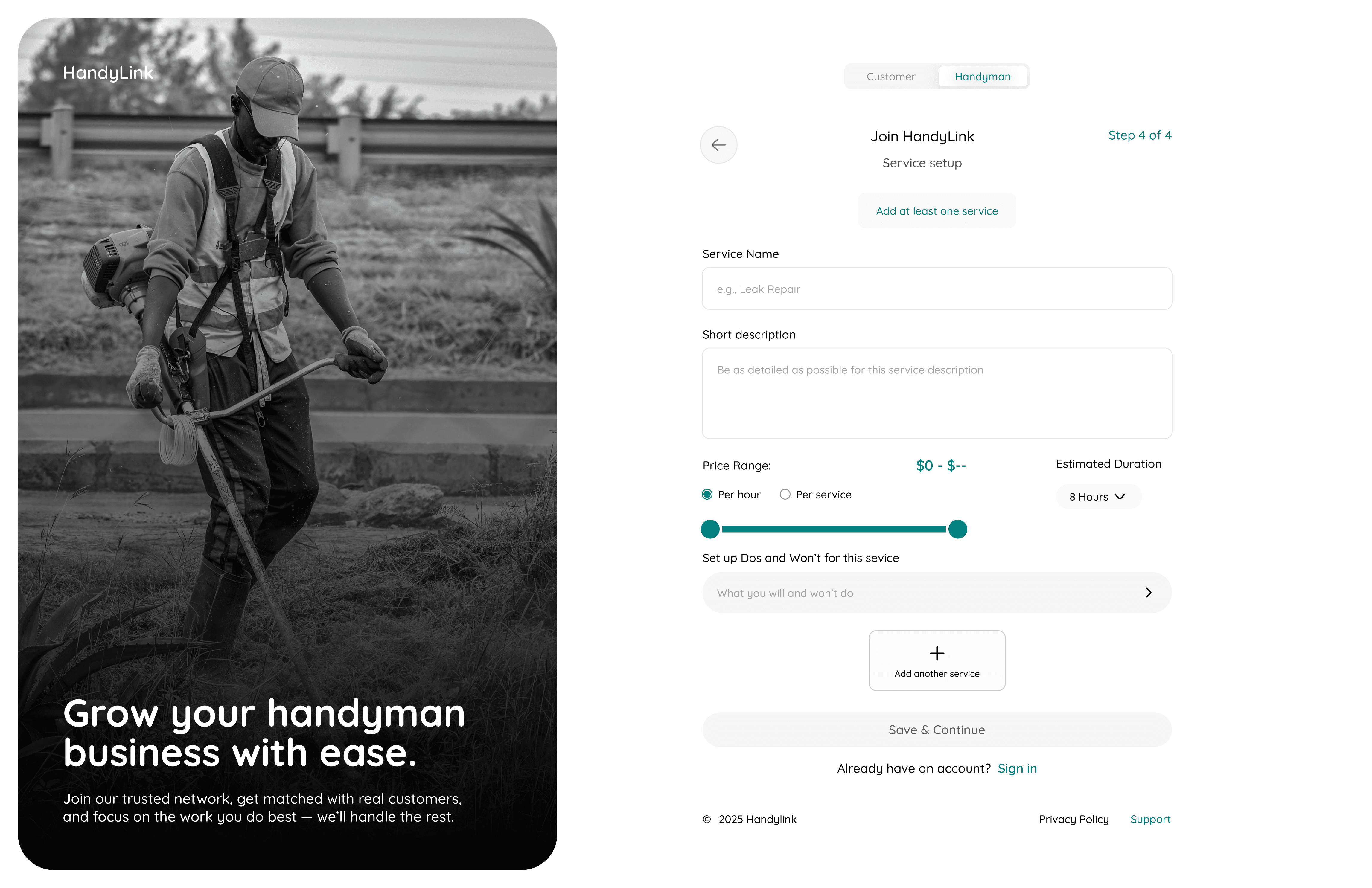
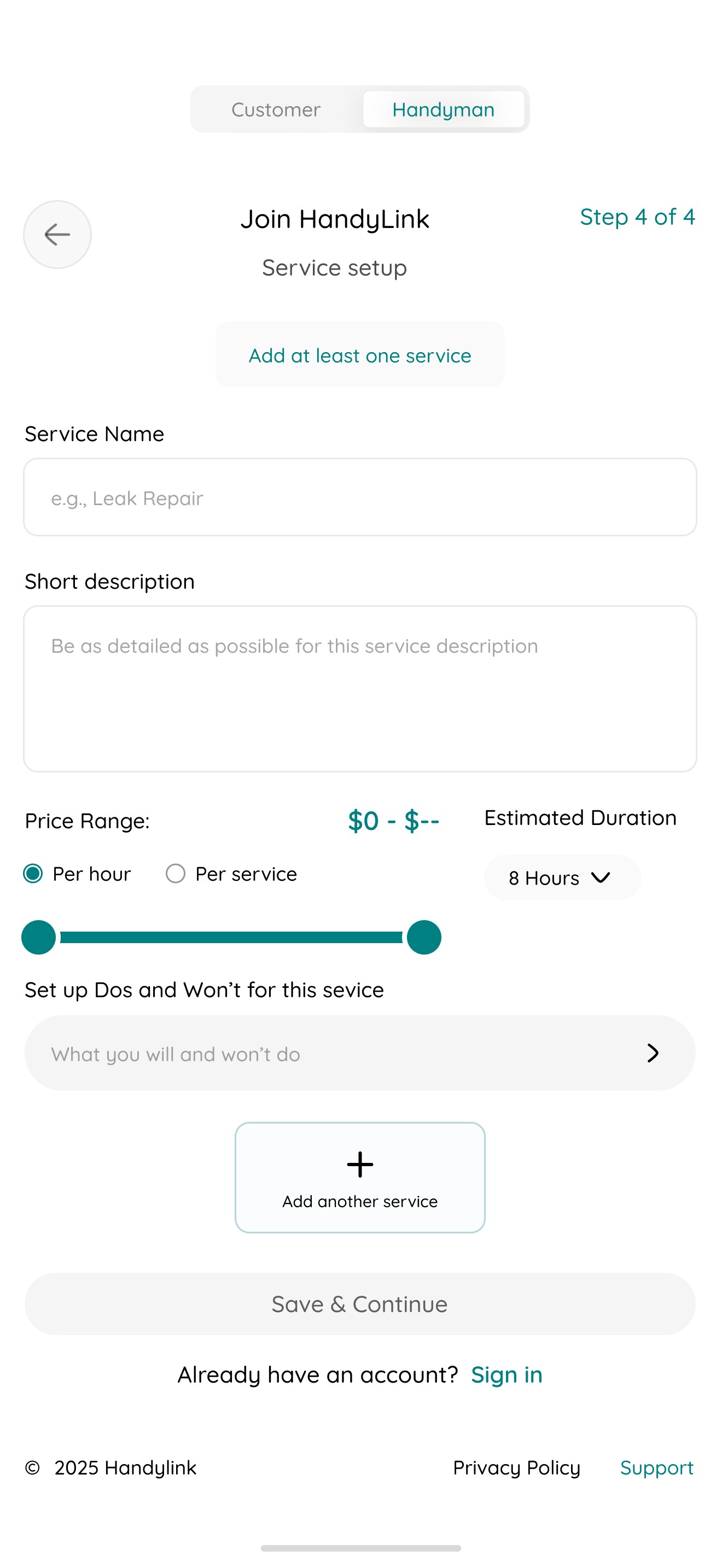
13
Overview

14
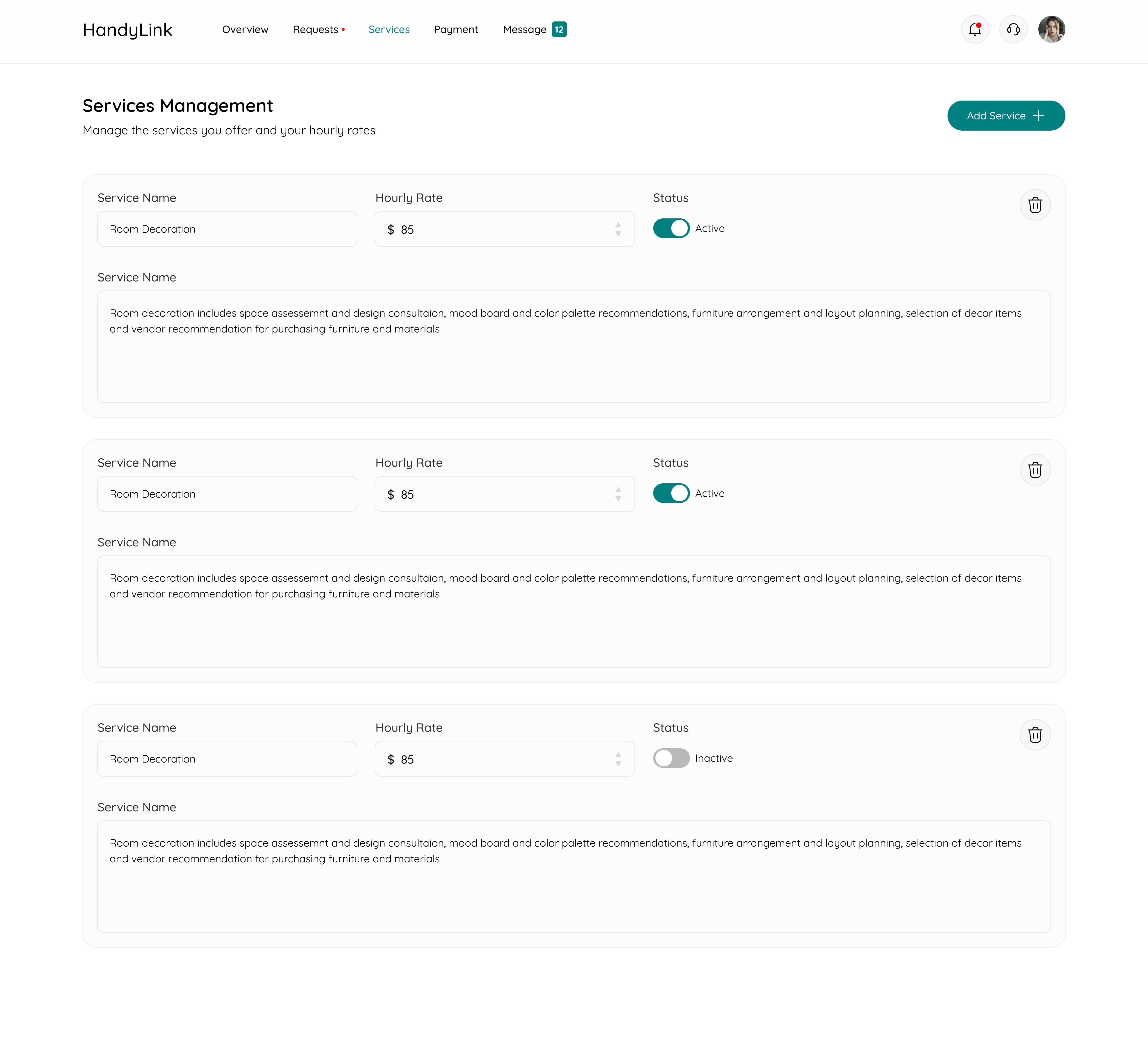
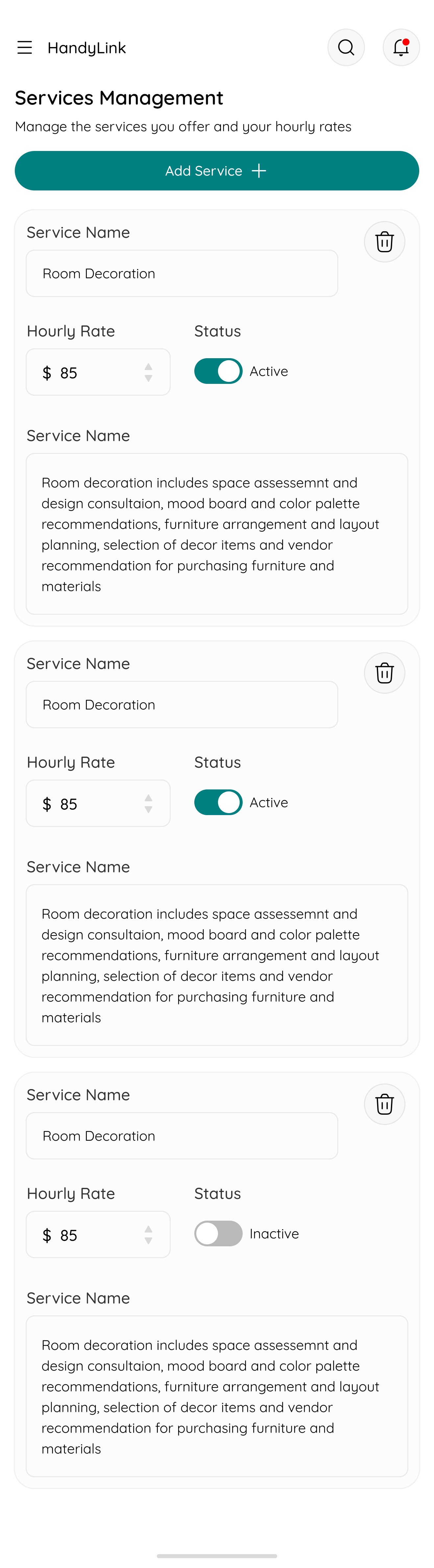
Service Management
15
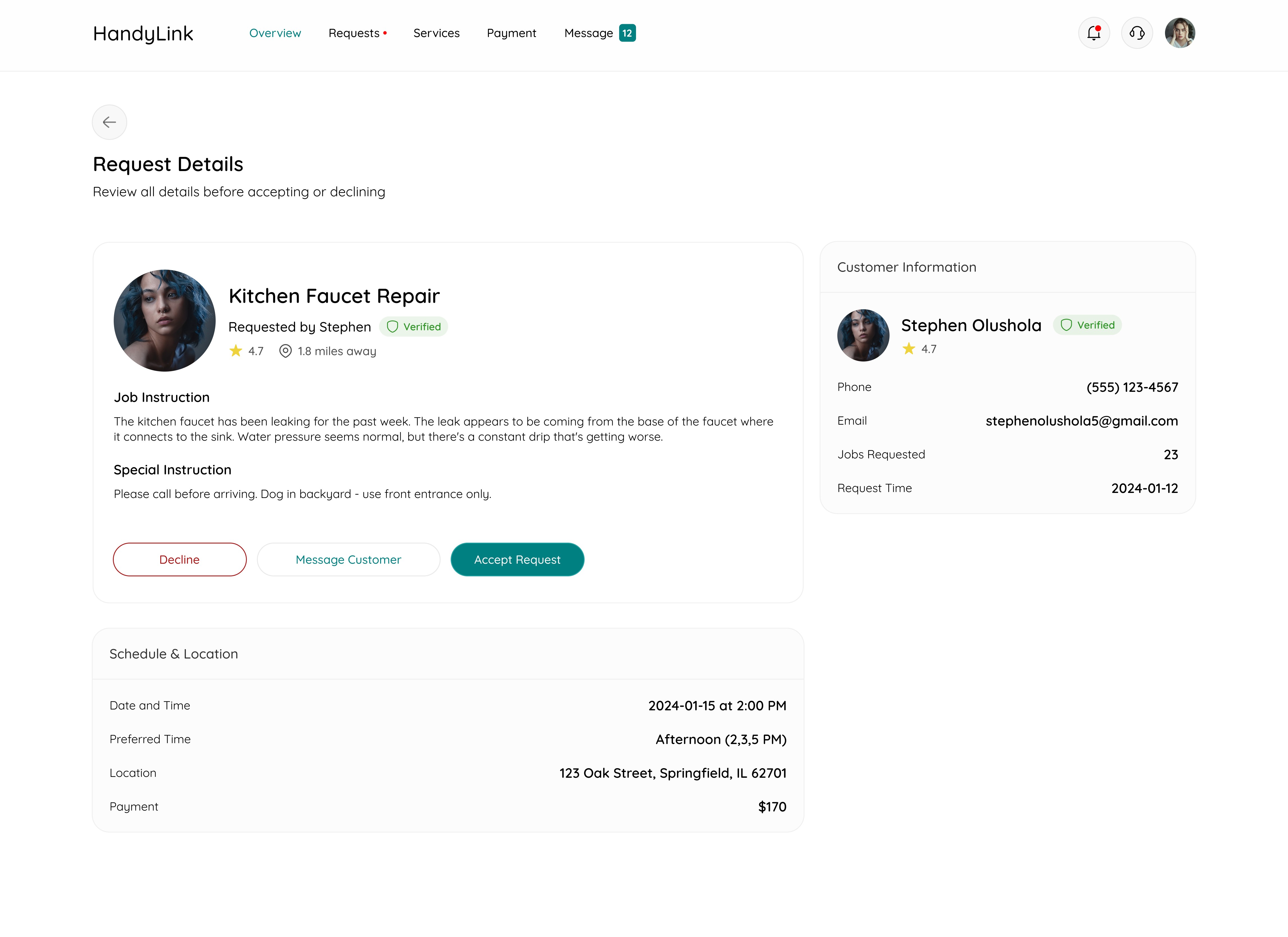
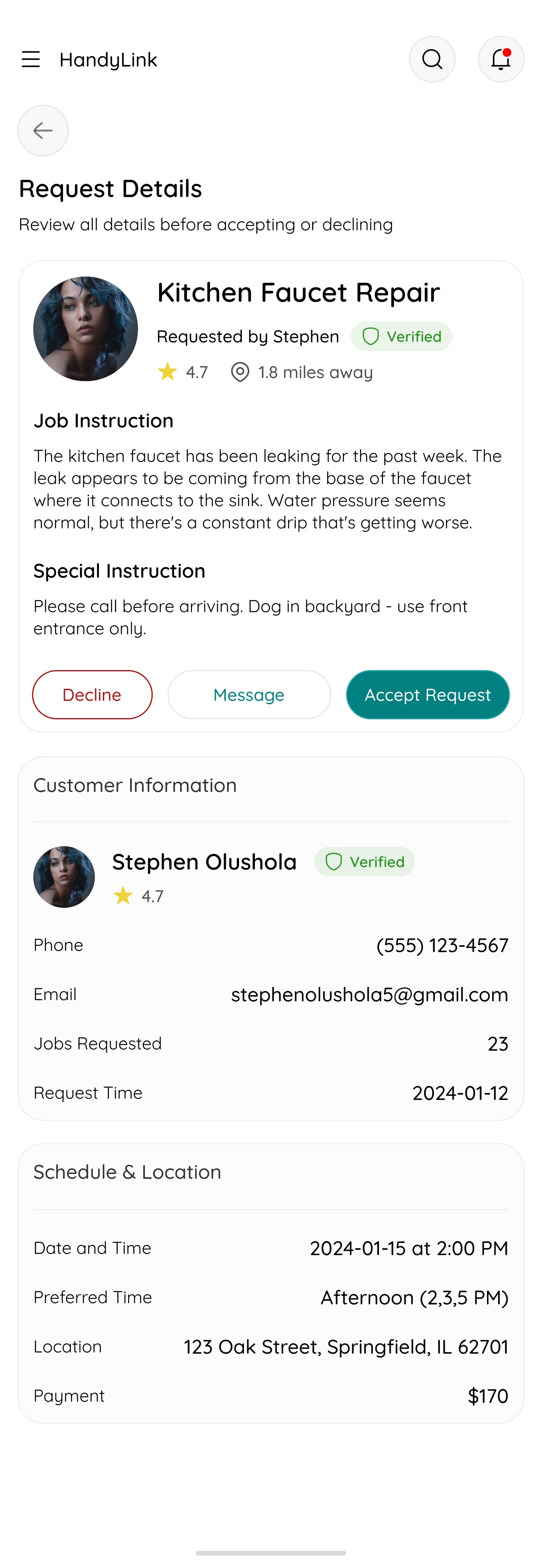
Request Details
16
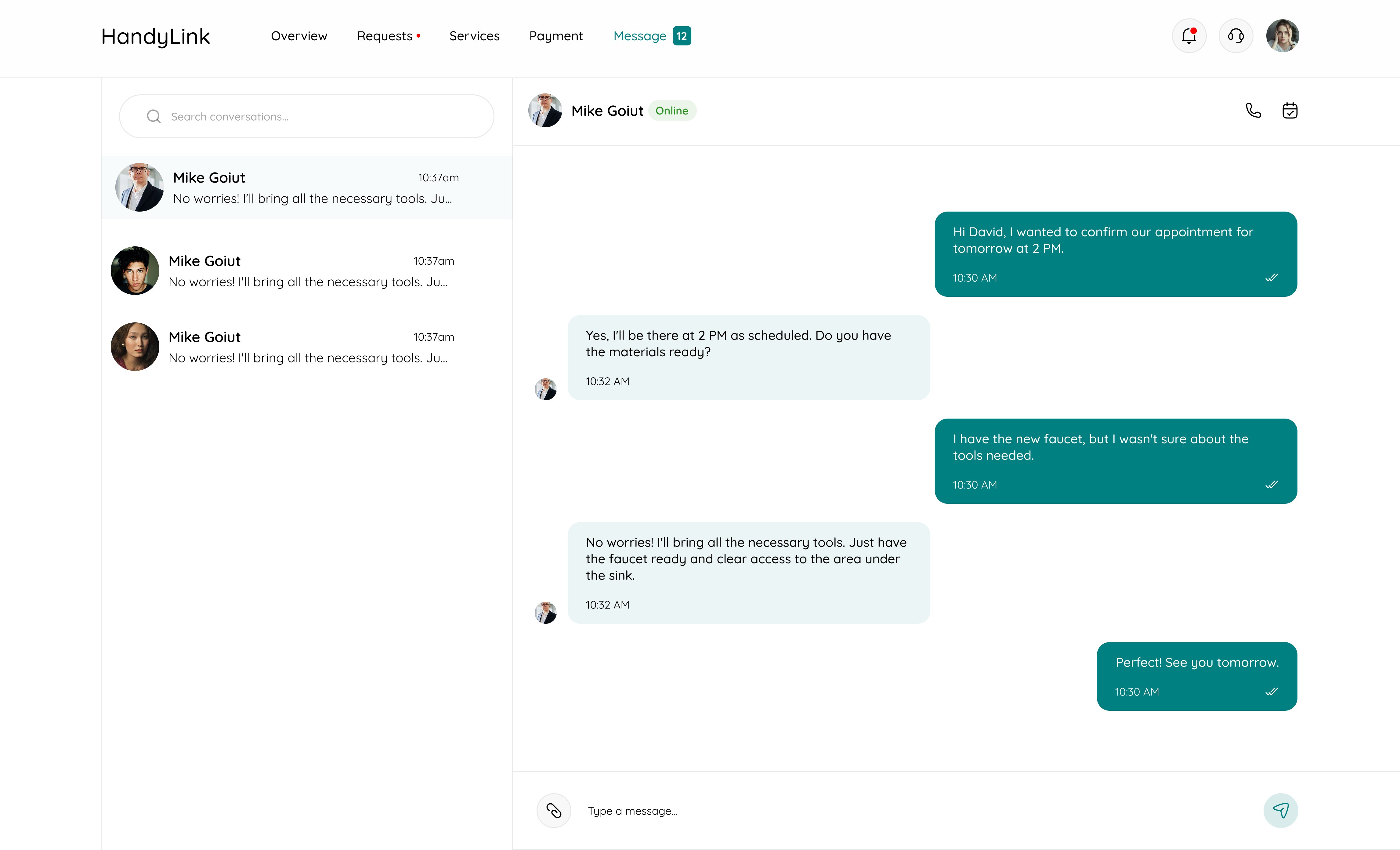
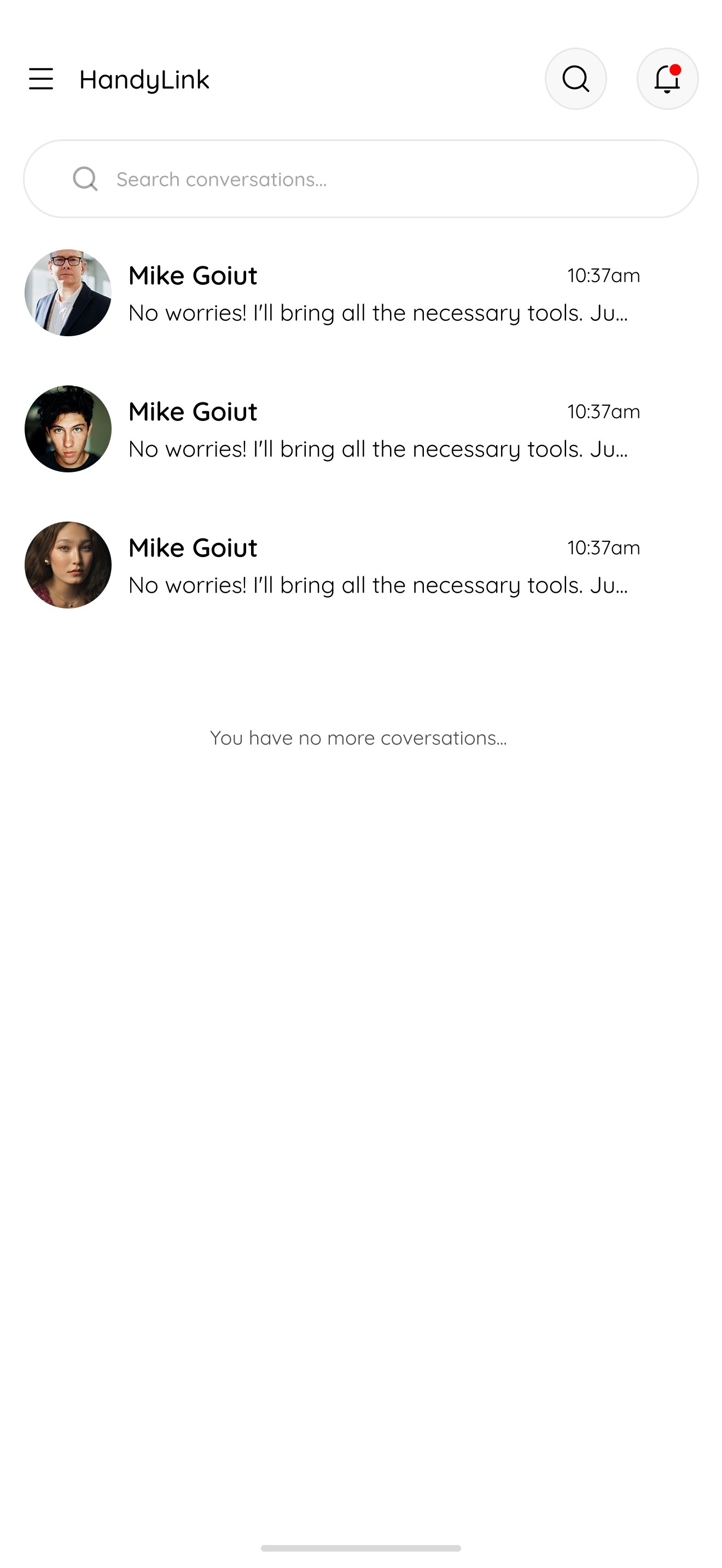
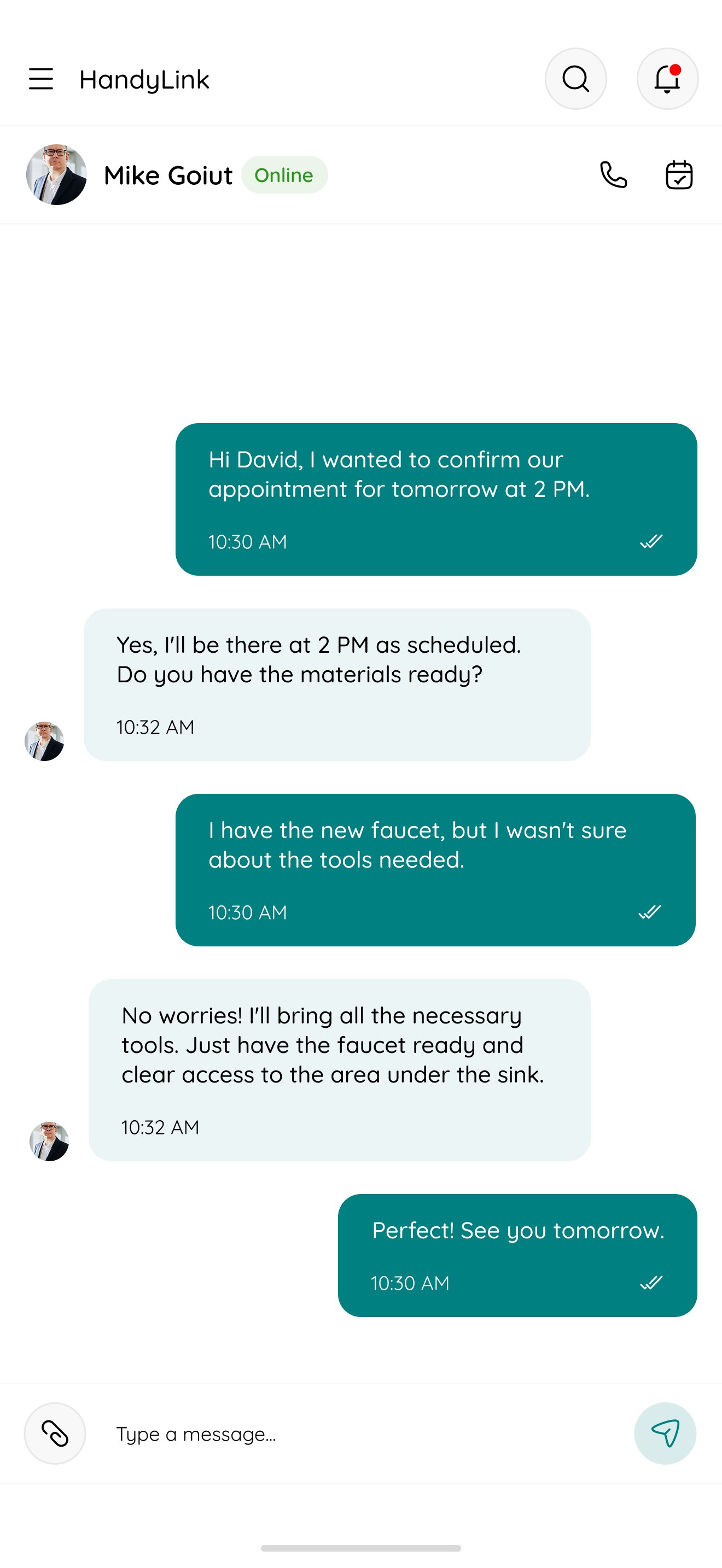
Messaging
17
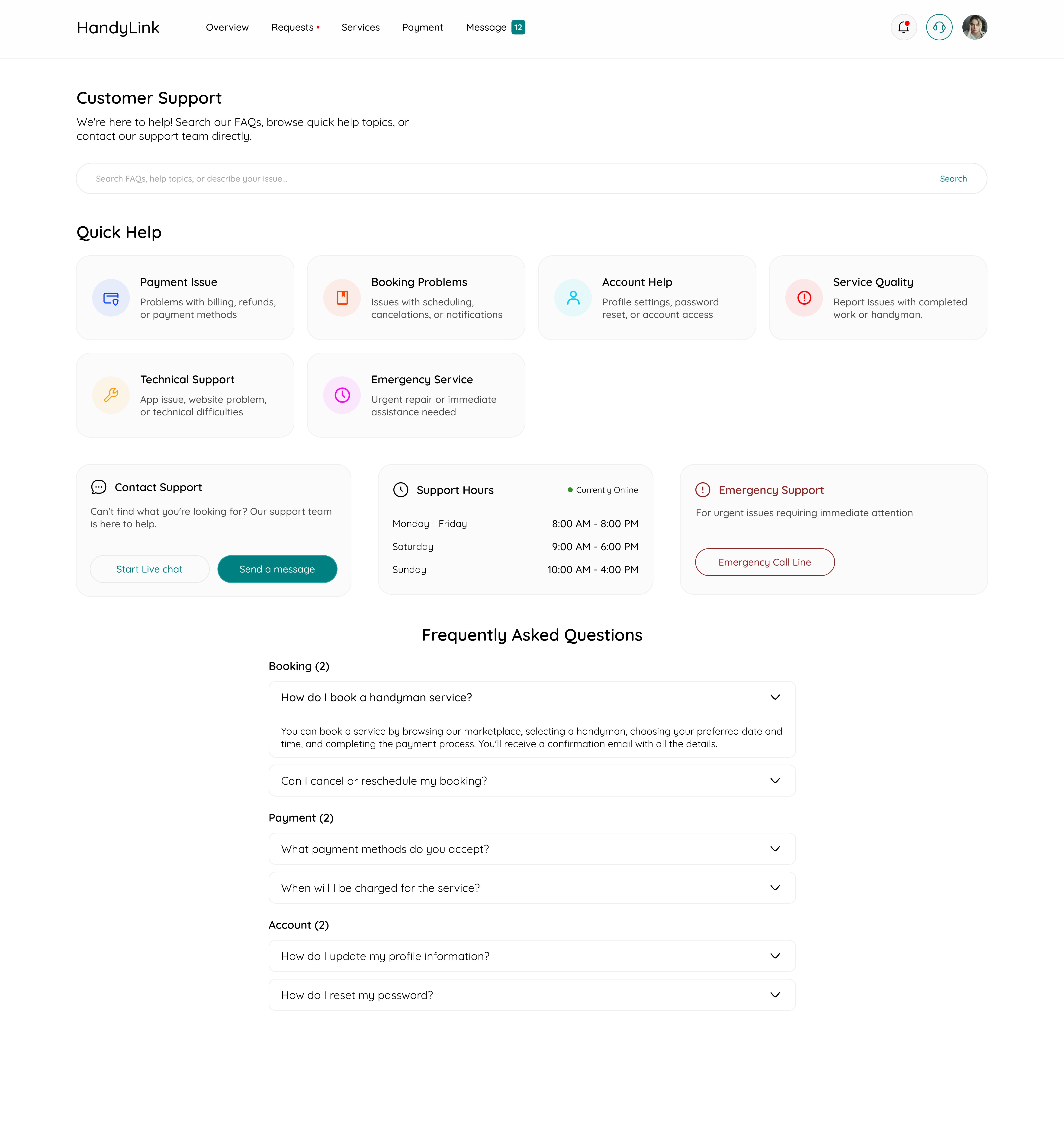
Support